
Turn a sermon or study notes into an illustrated video
Most of a congregation cannot come back to Sunday’s message during the week, and a 40-minute recording rarely gets watched twice. A five-minute drawn recap does: the passage, three points and the application, drawn scene by scene while a narrator or the pastor reads.
Doodaro builds that recap from the notes you paste. You see every scene before anyone else does, redraw the one that shows the wrong picture, and export an MP4 for your channel or your church app.
2 free minutes · No card needed

How it works
- 1
Paste the notes
Copy the passage, the three or four main points and the closing application into the Story box, or paste your rough notes and ask the story assistant to draft a 5-minute script that keeps your wording. Quote scripture exactly as you want it read.
- 2
Doodaro builds the scenes
Pick Parchment Ink, an ink and engraving look on aged parchment that suits scripture and story without looking like a cartoon. Build scenes gives the passage, each point and each illustration from the sermon its own drawn scene with narration.
- 3
Review, then export
Listen to every scene that quotes a verse. If a drawing shows the wrong figure or a symbol you would not use, edit the picture description and click Redraw on that scene only. If a verse is misread, edit the narration and click Revoice. Then render the MP4.
Example: a sermon recap on the parable of the lost sheep
Sunday's 35-minute sermon became a 720-word recap with the passage from Luke 15, three points and one closing application. Build scenes produced twelve scenes. Scene 4 drew the shepherd holding a lamb before the narration said he had found it, so the picture description was changed to 'shepherd on a hillside at dusk, searching, staff in hand, no sheep in view' and only that scene was redrawn. The recap ran 4 minutes 50 seconds.
- Style: Parchment Ink
- Voice: warm, unhurried American English narrator
- Length: 5 minutes
- Format: 16:9
Best practices
- Cut a 30 to 40-minute sermon to a 4 to 6-minute recap, which is 600 to 900 words. Keep the passage, 3 points and the application; drop the announcements and the asides.
- Give the scripture reading its own scene with a hold time of 5 to 6 seconds so the verse stays on screen after the pen finishes.
- Keep each point to 2 or 3 scenes of 8 to 12 seconds. A point that needs 6 scenes is a whole video on its own.
- Write picture descriptions under 25 words that name the scene from the passage, not the doctrine: 'a shepherd counting sheep at a gate' draws well; 'the concept of grace' does not.
- Make a 9:16 cut of the closing application, under 60 seconds, for Shorts and Reels during the week. Format is a project setting; the scenes are redrawn to fit.
Frequently asked questions
How do I turn a sermon into a video?
Paste the passage, your main points and the closing application into Doodaro's Story box, pick a style such as Parchment Ink, and click Build scenes. Review the storyboard, redraw any scene that shows the wrong picture, and export the MP4 for your church's channel.
Can I upload the sermon audio or the transcript?
You can paste a transcript into the Story box; Doodaro builds scenes from text. It does not take an audio file as input. If you want the pastor's own voice in the video, record or cut the narration per scene and upload it on each scene.
Will the drawings be respectful?
The drawing follows the picture description you approve for each scene. Parchment Ink and Heritage Sketch draw figures and settings in an engraved, illustrative way. If a scene draws something you would not use, change the description and redraw that scene.
How long should a sermon recap video be?
Four to six minutes for a recap of the whole message, or 60 seconds for a single point as a Short. At about 150 words per minute, that is 600 to 900 words for a recap and around 150 words for a Short.
Can I use a specific Bible translation?
Yes. Paste the verse in the translation you use, exactly as you want it read. The narrator reads the text you give it. Preview a voice reading up to 250 characters of the passage before you choose it.
Can I make a weekly series that looks the same every week?
Yes. Use the same style every week, or save your own template from reference images and style instructions under My templates. Each week you paste the new notes, build scenes and export. Doodaro does not schedule or publish for you, so upload the MP4 yourself.
Related use cases
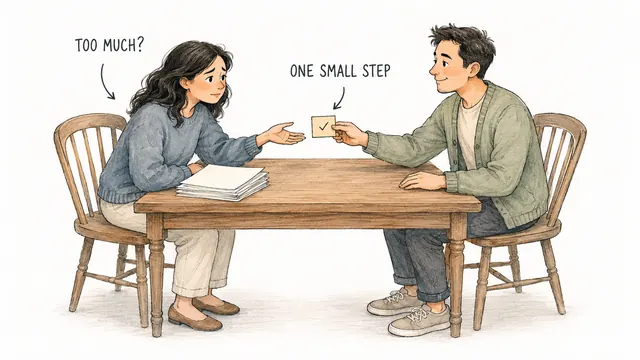
Daily devotional Shorts drawn from one verse
Write a 45-second devotional, build 4 or 5 drawn scenes in portrait 9:16, redraw the one that misses, and export a Short for YouTube, Reels or TikTok.

Quote and encouragement channel videos, drawn scene by scene
Turn a quote and a short reflection into a drawn video in Midnight Chalk, fix the one scene that misses, and export Shorts or 2-minute videos for your channel.
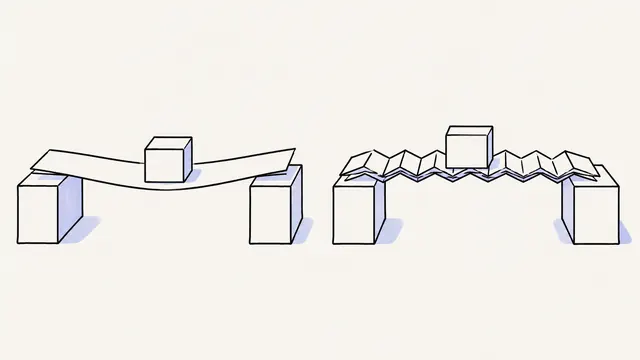
Turn a script into a whiteboard video in minutes
Paste a finished script, let Doodaro split it into drawn scenes with narration, fix the one scene that misses, and export an MP4 whiteboard video.
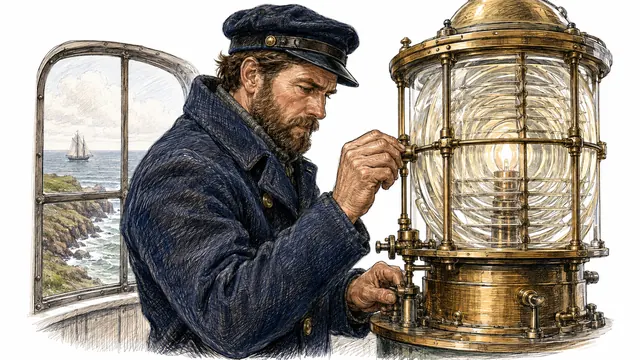
History explainer videos in an engraved, hand-drawn style
Write a 5-minute history script, build a storyboard in Heritage Sketch, redraw the one scene with the wrong century, and export an MP4 for a history channel.
Ready to draw your next story?
Start with 2 free minutes. No card needed. Your script becomes a storyboard you can fix one scene at a time.