
Turn a lesson plan into a whiteboard lesson your students will watch.
You already explain things by drawing. A number line, an arrow between cause and effect, a labeled cell. Doodaro turns that habit into a video: each concept in your lesson becomes a scene, each scene gets a drawing that appears stroke by stroke, and a narrator reads your words over it.
The part teachers care about is the fix. When students tell you scene 3 was confusing, you open scene 3, reword it, redraw it, and render the lesson again. Nothing else in the video moves.
2 free minutes · No card needed
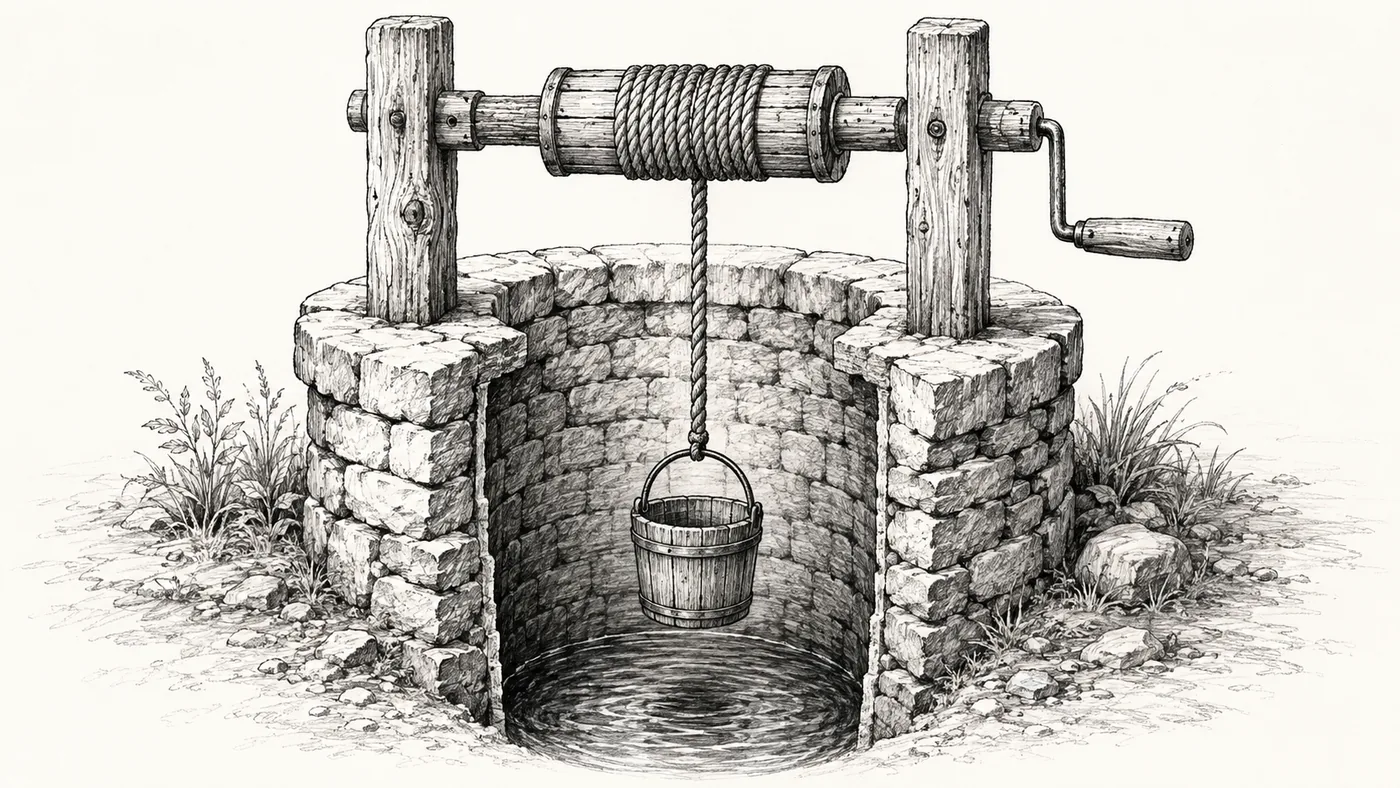
Students follow a drawing that builds one step at a time better than a finished slide, because they see the order the idea was built in.
How it works
- 1
Paste the lesson
Paste your lesson plan, your notes or a worked example. Press Build scenes and Doodaro turns each concept into a scene with narration and a picture description.
- 2
Choose a board and a voice
Pick a classroom look such as Clearboard, Graphite Classroom or Study Notes, and pick a narrator whose pace suits your students. Preview the voice reading one of your own sentences first.
- 3
Check each scene, then export
Read the storyboard the way a student would. Redraw the diagram that is unclear, slow the reveal on the hard step, render the lesson and download the MP4.
Control, one scene at a time
One scene at a time
Each concept is a card with its drawing and narration. If the fraction diagram in scene 4 is wrong, change its picture description and redraw scene 4 only.
Reveal speed per step
Give the pen more time on the step students usually miss and less on the recap. Hold the finished drawing on screen while the narrator explains it.
Your voice or a library voice
Upload your own recording for any scene so students hear you, or pick a narrator from the library. Mix both in one lesson if you want.
Before and after
- You hunt through a clip-art library for a diagram that roughly matches the lesson and settle for close enough.
- Recording a screen capture means re-recording the whole thing when you stumble on one sentence.
- Slides with bullet points show the answer all at once, so students copy instead of follow.
- A flipped-classroom video takes an evening to make, so you make one and stop.
- Write the picture you want in plain words, such as a number line from 0 to 1 with fourths marked, and Doodaro draws it in your chosen style.
- Fix one sentence by editing that scene's narration and regenerating its audio. The rest of the lesson stays as it was.
- The pen draws the diagram in order, at the speed you set, so students see how the idea is built.
- One lesson plan becomes one storyboard in one sitting, so a unit of five lessons is a realistic week.
Common questions
Why do teachers use drawn whiteboard video instead of slides?
A drawing that appears step by step matches how you would explain it on a real board. Students see the order of the idea, not just the finished diagram. It also works for absent students and for review before a test, because the video explains the same way every time.
Do I need to be able to draw or edit video?
No. You describe the picture for each scene in words, and Doodaro draws it in the style you picked. There is no timeline, no keyframes and no drawing tablet. If a drawing is wrong, you change the description and redraw that scene.
How long does it take to make one lesson video?
You can take a lesson plan to a first draft in one sitting. Most of the time is spent reading each scene as a student would and fixing the ones that need it. We do not promise a render time in minutes, because it depends on the length and the style.
Can I make different videos for different grades or subjects?
Yes. A primary math lesson might use Playful Pages with a slow reveal and a warm narrator, while a high-school chemistry lesson might use Blueprint or Study Notes with a quicker pace. Each video has its own style, narrator and timing, so one account covers every class you teach.
What if the curriculum or my example changes?
Open the lesson in the storyboard, edit the scene with the old example, update its narration and picture description, and regenerate that scene. Render again and the new version is ready. You do not rebuild the lesson.
Other teams using Doodaro
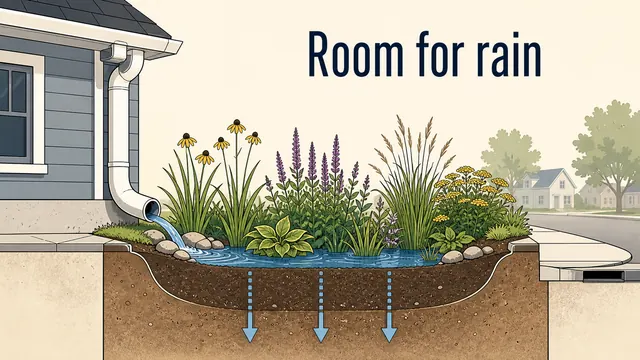
Make a whole course look like one hand drew it.
Turn course modules into drawn lesson videos with one style, one narrator and a storyboard per lesson. Update a lesson by fixing one scene, not re-recording it.
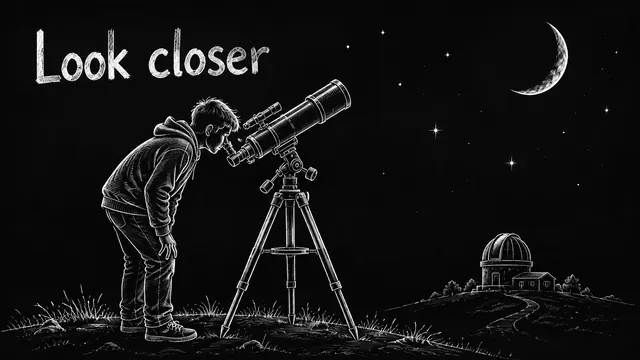
Run a faceless YouTube channel that looks hand-drawn.
Turn a script into a drawn explainer for a faceless YouTube channel. One style, one narrator, a storyboard you can fix one scene at a time, MP4 out.

Turn a sermon or devotional into an illustrated video people share.
Turn a sermon, devotional or daily verse into a drawn video with a calm narrator and a style that fits the text. Fix one scene without redoing the message.
Ready to draw your next story?
Start with 2 free minutes. No card needed. Your script becomes a storyboard you can fix one scene at a time.