
Explain your product in a drawn video that survives your next release.
Every product explainer has the same shape: the problem, how it works in three steps, proof, and a call to action. The trouble is not writing it. The trouble is that a screen recording is out of date the week after a release, and a stock-clip-art whiteboard says nothing specific about your product.
Doodaro draws the concept instead. You paste the doc, describe each picture in a sentence, and the pen draws your flow with your labels in a style that matches your brand. When step 2 changes, you edit scene 2 and render again.
2 free minutes · No card needed
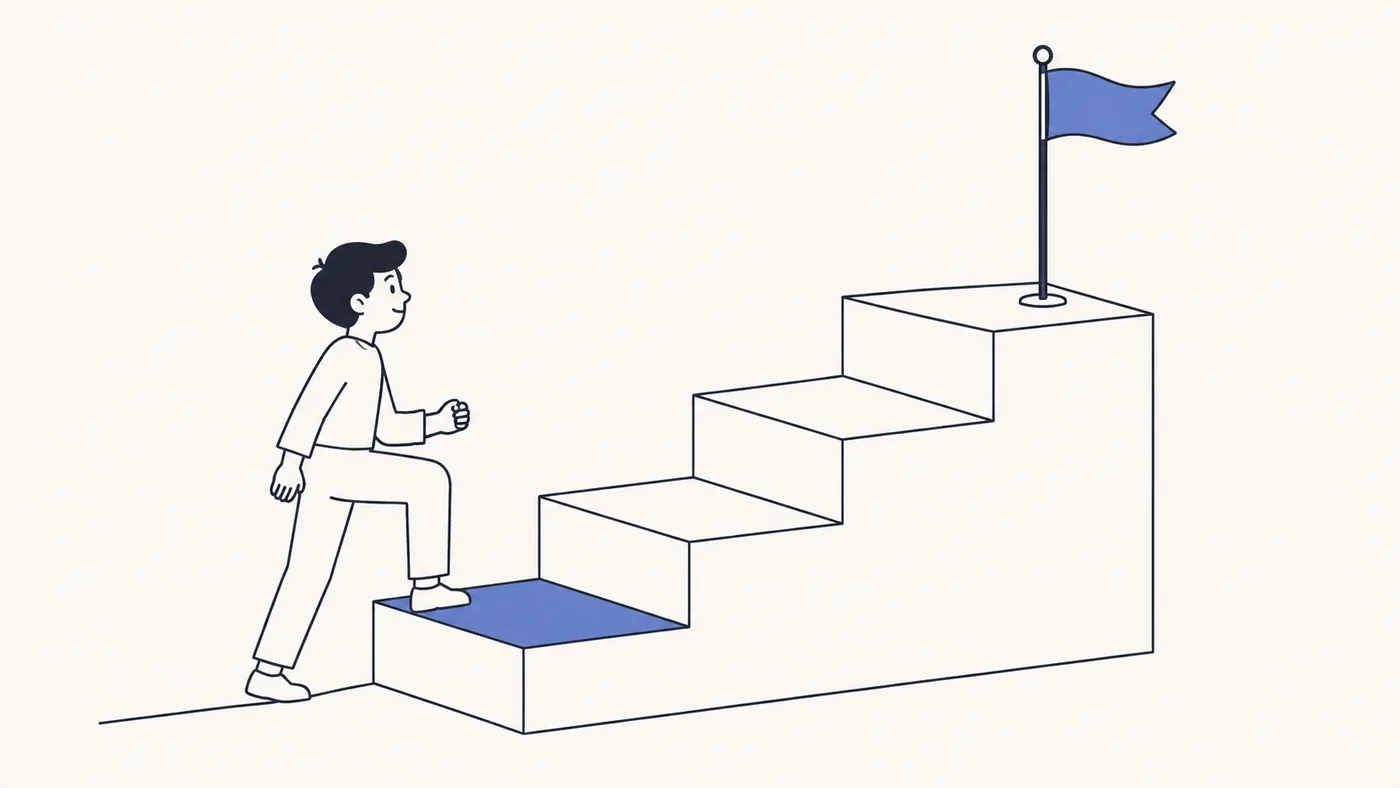
A drawn diagram explains what your product does without showing an interface that will look different next quarter.
How it works
- 1
Paste the doc
Paste the feature doc, the onboarding email or the problem-solution-proof script. Press Build scenes and Doodaro turns it into scenes with narration and a picture description each.
- 2
Pick a product look
Choose a style such as Minimal Indigo, Isometric Worlds or Blueprint, and a narrator that matches your brand's tone. Preview the voice reading your one-line pitch before you choose.
- 3
Check the flow, then export
Render a preview of the three how-it-works scenes, adjust the reveal time so each step lands, redraw any scene that misreads the product, then render and download the MP4.
Styles that fit
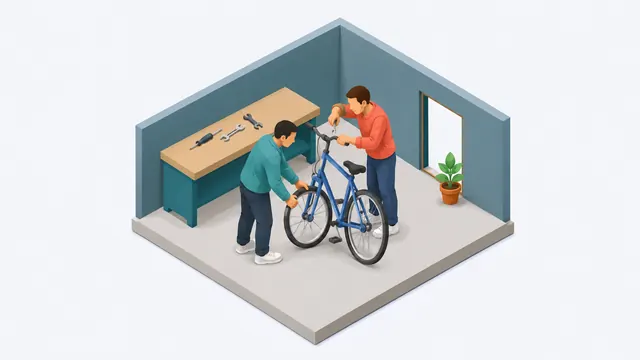
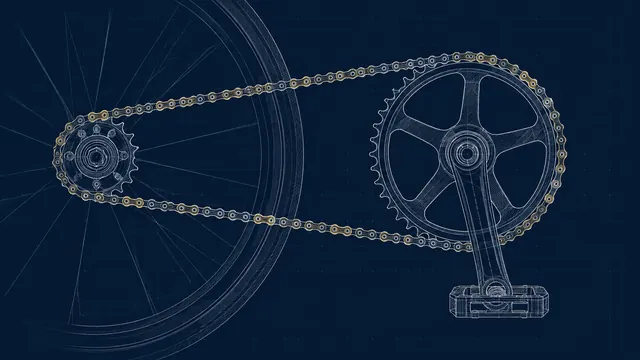
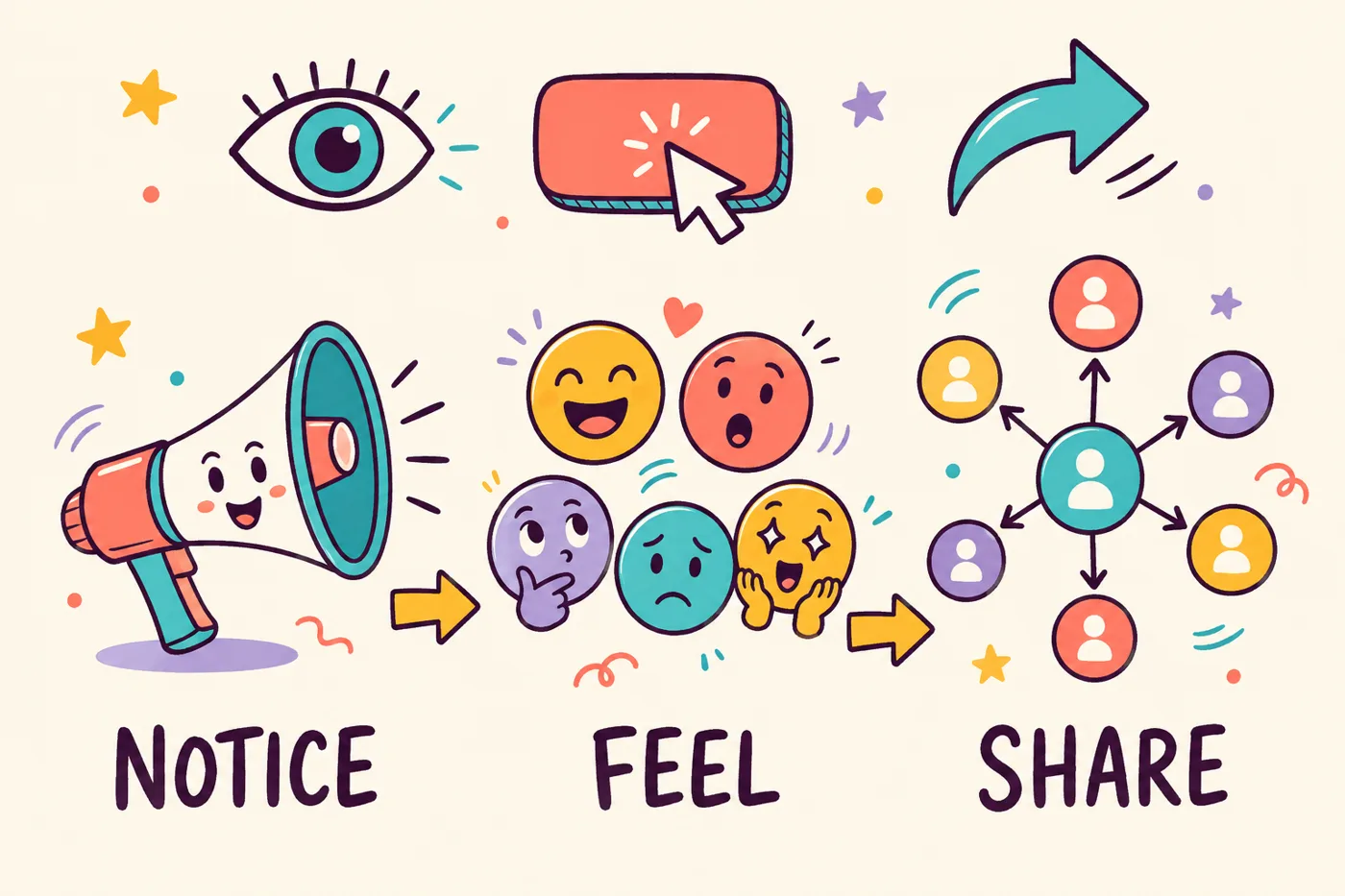
Control, one scene at a time
One scene at a time
When step 2 of your onboarding changes, open scene 2, rewrite the narration and picture description, regenerate it, and render again. Steps 1 and 3 are untouched.
Diagrams, not screenshots
Describe the system in words, such as three boxes labeled Import, Match and Export with arrows between them, and the pen draws it. No interface on screen means no interface to go stale.
Reveal that follows the logic
Set the pen to draw each step in order and hold the finished diagram while the narrator explains it. Group scenes into a story board so the camera follows the drawing and returns to the whole picture.
Before and after
- A screen recording of the product that has to be re-recorded after every interface change.
- Stock clip-art whiteboard scenes with a generic laptop and a generic person that say nothing about your product.
- A motion-graphics agency quotes weeks and treats each revision as a change order.
- A pricing change in the last scene means the whole video is wrong until someone re-edits it.
- A drawn diagram of what the product does, not a recording of what it looks like, so it stays right across releases.
- Picture descriptions written by you, so scene 3 shows your three-step flow with your labels in your chosen style.
- First draft in one sitting from the doc you already have, revisions as scene edits.
- Edit the last scene's narration, regenerate its audio, render again. Nothing else changes.
Common questions
Why do product and SaaS teams use drawn explainer video?
Because a drawn diagram explains the idea behind the product without tying the video to one version of the interface. Screen recordings go stale with every release. A drawn how-it-works video stays accurate as long as the concept is the same, and it fits on a landing page, in onboarding and in a sales deck.
Do I need design skills or a video team?
No. A product manager or a founder who can write the doc can build the video. You describe each picture in a sentence, choose a style and a narrator, and Doodaro draws and reads each scene. Fixes are scene edits, not editing sessions.
How fast can we ship an explainer?
From a feature doc to a first full draft in one sitting is realistic for a 60- to 90-second video. Most of the time goes into tightening the script and checking that each diagram reads correctly. We do not promise render times in minutes; they depend on length and style.
Can we make different videos for different features or audiences?
Yes. A 60-second landing-page explainer in 16:9, a 30-second feature announcement in 9:16 for social, and a square onboarding clip for the in-app help center can all share one style and one narrator. Each is its own project with its own storyboard.
What if the product changes after the video is made?
Open the project, find the scene that describes the changed step, update its narration and picture description, and regenerate that scene. Render again and replace the file. The other scenes keep their drawings and audio.
Other teams using Doodaro
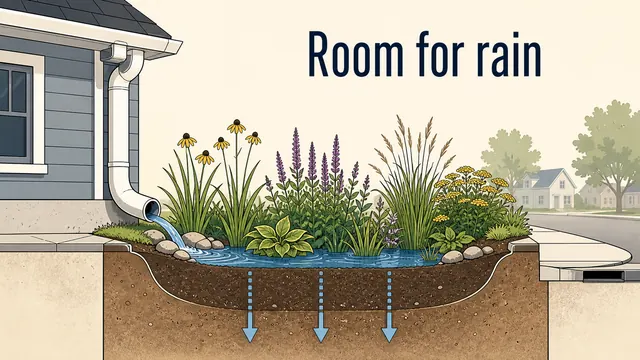
Make a whole course look like one hand drew it.
Turn course modules into drawn lesson videos with one style, one narrator and a storyboard per lesson. Update a lesson by fixing one scene, not re-recording it.
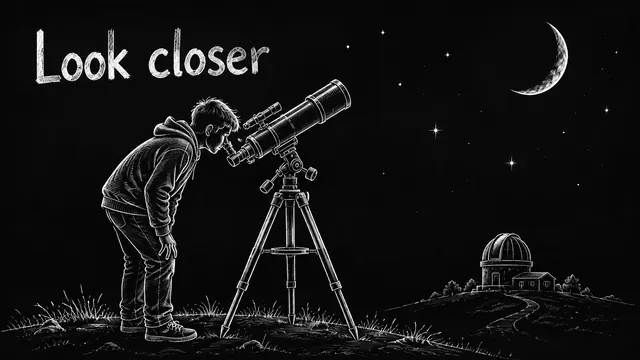
Run a faceless YouTube channel that looks hand-drawn.
Turn a script into a drawn explainer for a faceless YouTube channel. One style, one narrator, a storyboard you can fix one scene at a time, MP4 out.

Turn a sermon or devotional into an illustrated video people share.
Turn a sermon, devotional or daily verse into a drawn video with a calm narrator and a style that fits the text. Fix one scene without redoing the message.
Ready to draw your next story?
Start with 2 free minutes. No card needed. Your script becomes a storyboard you can fix one scene at a time.