
Make a whole course look like one hand drew it.
A course is a long promise. The lesson a student watches in week six has to look and sound like the one they watched in week one, and it has to be right. Drawn video makes the first part easy: pick one style and one narrator, and every module uses them.
Doodaro handles the second part with the storyboard. Every lesson is a set of scenes, and any scene can be rewritten, redrawn or revoiced on its own. When a module goes out of date, you fix a scene, not a module.
2 free minutes · No card needed
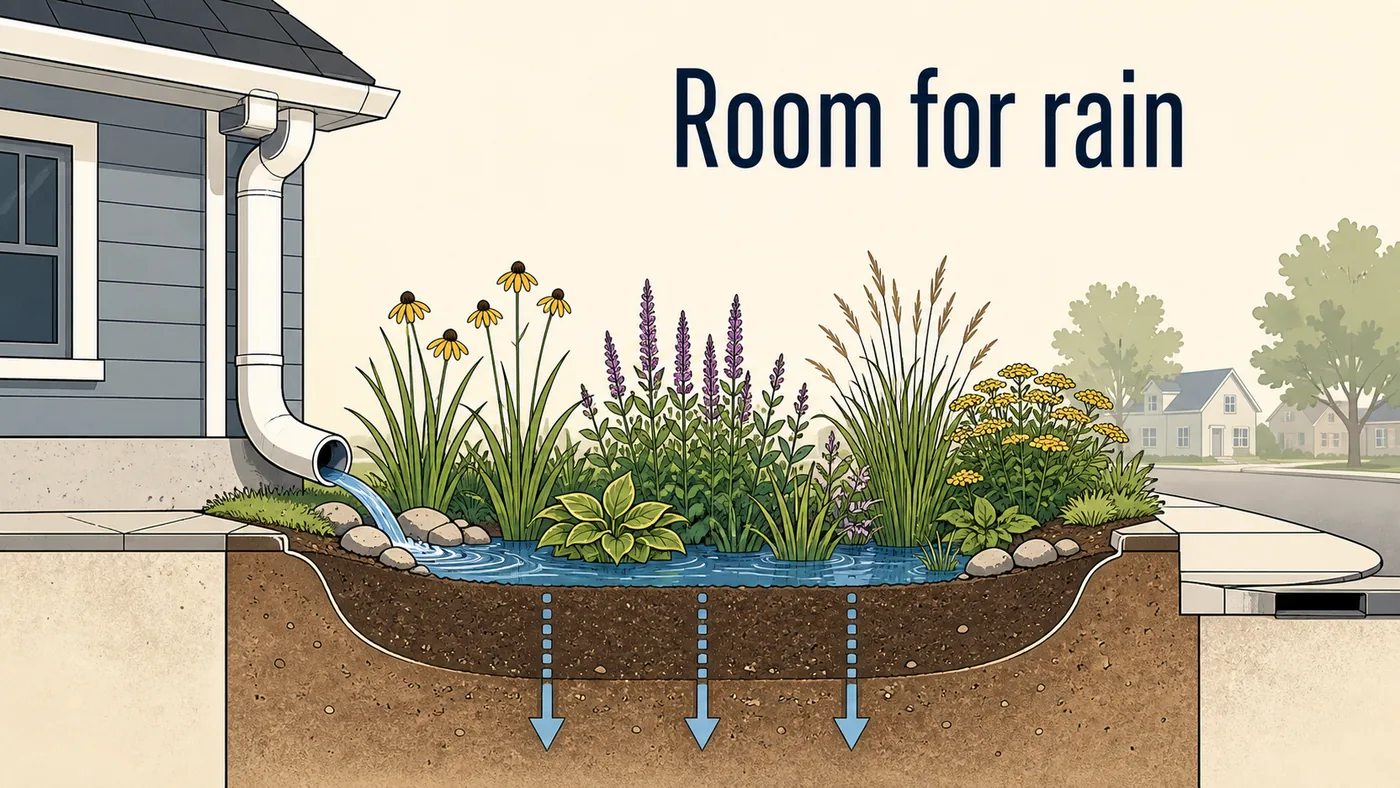
A course sells on consistency, and a drawn course keeps the same style, the same narrator and the same pace across every module.
How it works
- 1
Paste one module
Start with the outline or script for one lesson. Press Build scenes and Doodaro splits it into scenes, each with narration and a picture description you can read before anything is drawn.
- 2
Set the course look once
Choose one of 37 styles and one narrator, or save your own template from reference images and style instructions. Reuse both on every lesson so module 12 matches module 1.
- 3
Review, render, repeat
Redraw the scenes that miss, set the reveal and hold time on each, render the lesson and download the MP4. Then paste the next module.
Styles that fit
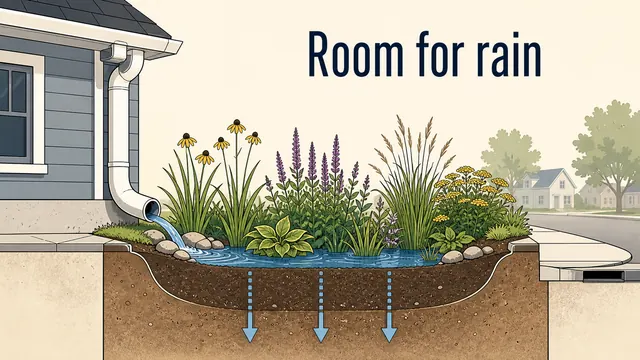
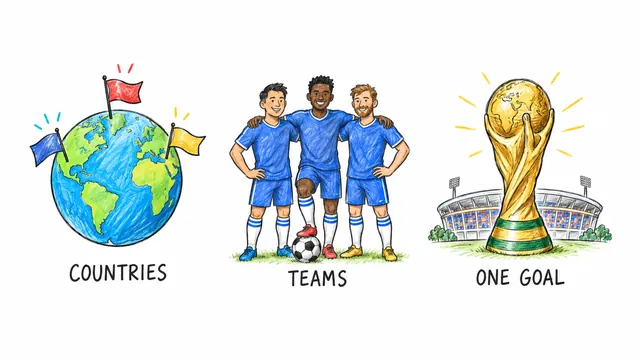
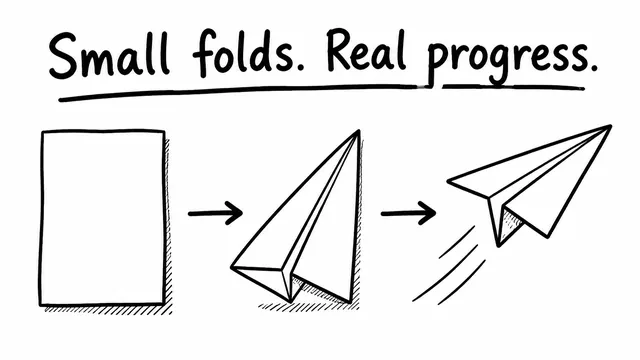
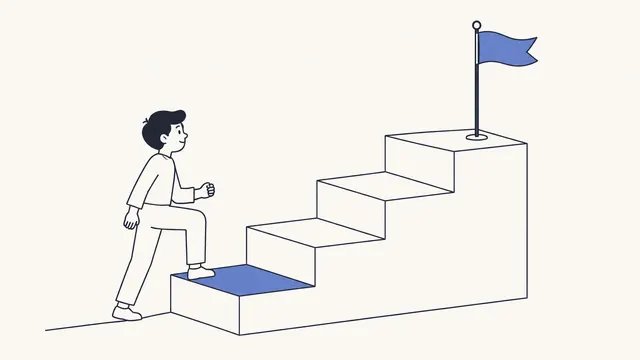
Control, one scene at a time
One scene at a time
Each lesson is a storyboard of cards. When a step in your process changes, you edit that card, regenerate it, and render the lesson again.
Your own template
Save a style from your reference images plus a few style instructions under My templates. Every lesson drawn with it looks like your brand, not like a library.
Preview before you commit
Render a preview of a single scene to check the drawing and the pacing before you render a ten-minute lesson.
Before and after
- A course made from stock clip art looks like every other course that used the same library.
- Recording yourself on camera means lighting, retakes and a haircut before every module.
- One outdated screenshot in lesson 6 means re-recording lesson 6.
- Hiring an animator for a 20-lesson course costs more than the course will earn in its first year.
- Save your own template from a few reference images and every lesson is drawn in it.
- Nobody is on camera. A narrator you picked reads your script over drawings that appear stroke by stroke.
- Open lesson 6 in the storyboard, fix the one scene that aged, regenerate it and render again.
- Minutes are counted on rendered exports, so drafts and previews are free to iterate on.
Common questions
Why do course creators use drawn video instead of talking-head or slides?
Drawn video keeps the attention on the idea, not on the presenter or the slide design. It stays consistent across a long course because the style and narrator are set once. And it dates less quickly than a screen recording, because there is no interface on screen to change.
Do I need design or video-editing skills?
No. You write the lesson, describe each picture in words, and Doodaro draws and narrates it. The storyboard is a list of cards, not a timeline. If you can write a lesson outline, you can make the video.
How fast can I produce a course?
One module can go from outline to first draft in one sitting. A course of ten modules is a matter of repeating the same steps ten times with the same style and narrator. We do not promise render times in minutes; they depend on length and style.
Can I make different kinds of videos within one course?
Yes. Short intro videos in 9:16 for a landing page, long 16:9 lessons for the course itself, and square clips for social previews can all share one style and one narrator. You can also change the narrator on a single scene for a quoted expert or a student question.
What if my course content changes after launch?
Open the lesson, find the scene that is out of date, edit its narration or picture description, and regenerate that scene. Render the lesson again and replace the file in your course platform. The other scenes are untouched.
Other teams using Doodaro
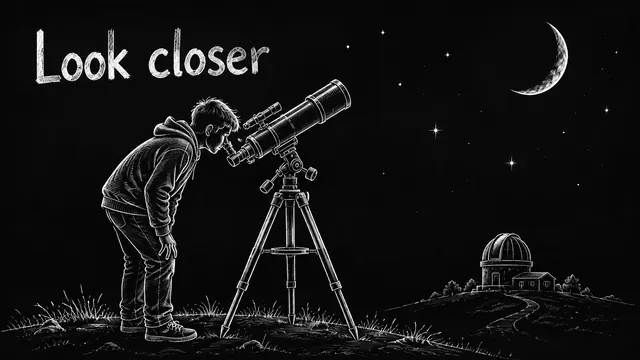
Run a faceless YouTube channel that looks hand-drawn.
Turn a script into a drawn explainer for a faceless YouTube channel. One style, one narrator, a storyboard you can fix one scene at a time, MP4 out.

Turn a sermon or devotional into an illustrated video people share.
Turn a sermon, devotional or daily verse into a drawn video with a calm narrator and a style that fits the text. Fix one scene without redoing the message.
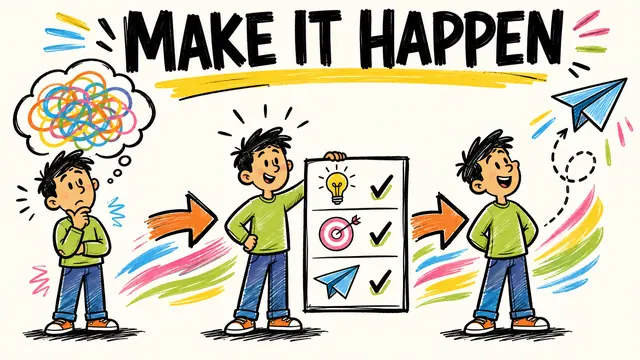
Deliver drawn explainer videos for every client without an animator on payroll.
Turn client scripts into drawn explainer videos and ads. Save a template per client, fix one scene per feedback round, export in 16:9, 9:16 and 1:1.
Ready to draw your next story?
Start with 2 free minutes. No card needed. Your script becomes a storyboard you can fix one scene at a time.