
Turn a script into a whiteboard video in minutes
A script is the best input a whiteboard video can start from. You already chose the words, the order and the length. Doodaro’s job is to turn each paragraph into a drawn scene with narration, show you the result as a storyboard, and let you fix the one scene that is wrong instead of generating the whole video again.
This page walks through that flow with a real example: the script goes in, the scenes come out, one scene gets redrawn, and the MP4 gets exported. The same steps work for a 30-second intro or a 10-minute lesson.
2 free minutes · No card needed
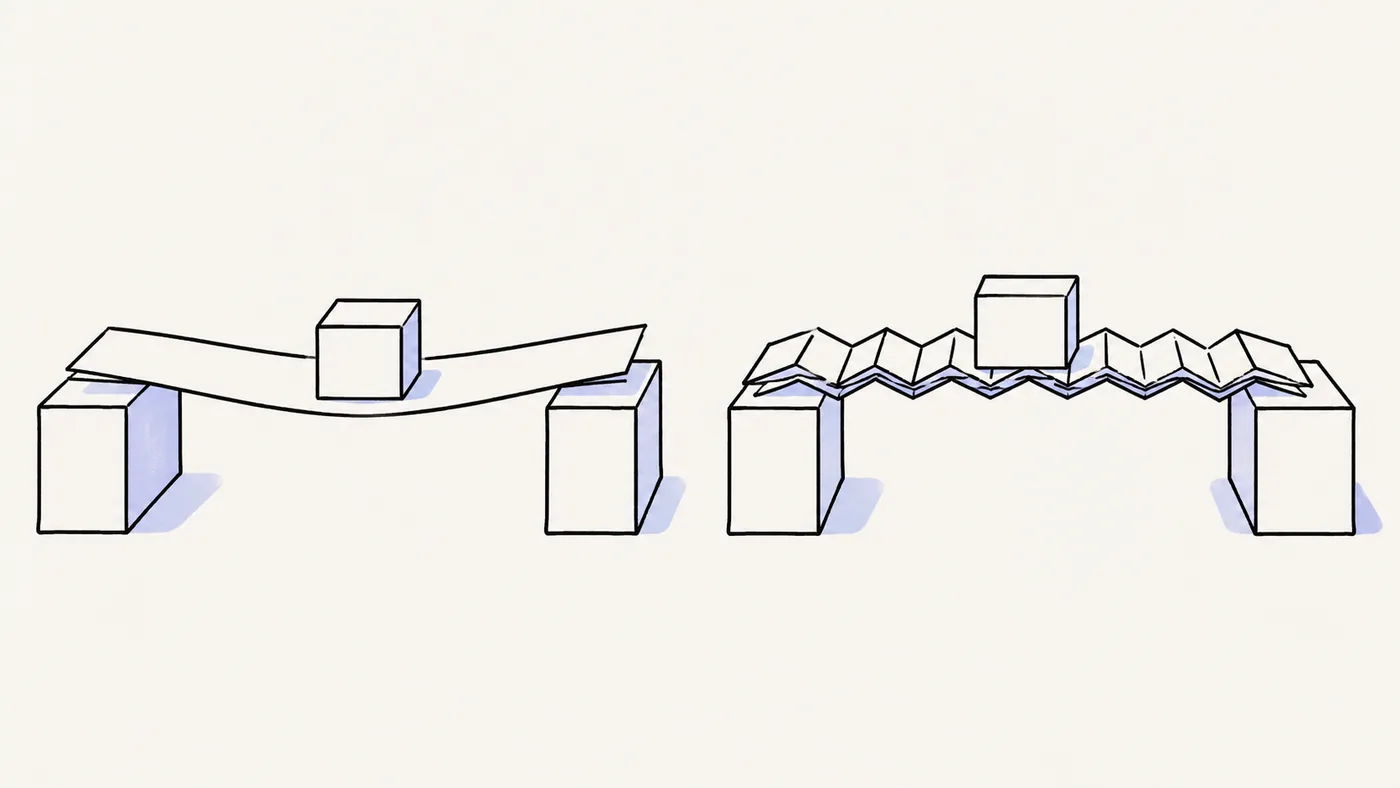
How it works
- 1
Paste your script
Open Story and paste the script you already have. Pick one drawing style for the whole video, such as Clearboard, the plain dry-erase look. Doodaro takes the words as they are. You do not need to rewrite them for video.
- 2
Doodaro builds the scenes
Click Build scenes. The script is split into scenes, and each scene gets its narration, a picture description and a drawn picture. The storyboard shows one card per scene with Edit, Redraw, Revoice and Listen buttons.
- 3
Review, then export
Play each scene. If one picture is wrong, edit that scene's picture description and click Redraw on that card only. Set reveal and hold time, render a preview of any scene you changed, then render the full video as an MP4.
Example: a 90-second script about how compost works
A 220-word script pasted as six short paragraphs. Build scenes turned each paragraph into one scene. Scene 4 showed a bin with no worms in it, so its picture description was changed to say 'red worms visible through the side of the bin' and only that scene was redrawn. The other five scenes stayed as they were. The finished video ran 92 seconds.
- Style: Clearboard
- Voice: warm American English narrator, one voice for all scenes
- Length: 90 seconds
- Format: 16:9
Best practices
- Plan on about 150 spoken words per minute. A 300-word script gives you a video close to 2 minutes, and a 750-word script lands near 5 minutes.
- Write one idea per paragraph. Each paragraph becomes one scene of about 6 to 12 seconds, which is as long as one drawing holds attention.
- Keep each scene's narration under 40 words so the pen can finish the drawing before the voice moves on to the next point.
- Preview a narrator reading up to 250 characters of your own script before you pick it. A voice that sounds right on the sample line can sound wrong on your sentences.
- Minutes are counted on rendered exports, not drafts, so render single-scene previews while you fix things and export the full video once, not 3 or 4 times.
Frequently asked questions
How do I turn a script into a whiteboard animation?
Paste the script into Doodaro's Story screen, pick a style, and click Build scenes. Doodaro splits the script into scenes, writes a picture description for each one, draws it and adds narration. You check the storyboard, redraw any scene that misses, and render the MP4.
How long a script do I need for a 2-minute whiteboard video?
About 300 words. Narration runs near 150 words per minute, so a 2-minute video is roughly 300 words and a 5-minute video is roughly 750. Reveal and hold time per scene add a little on top, so trim the script if you need to hit an exact length.
Can I change one scene without redoing the whole video?
Yes. Each scene is its own card in the storyboard. Edit lets you change the narration, the picture description, the voice and the timing for that scene alone. Redraw regenerates only that scene's picture, and Revoice regenerates only that scene's narration. The other scenes are not touched.
Can I use my own voice instead of an AI narrator?
Yes. Record your narration and upload the recording for any scene. You can mix your own recording on some scenes with a library narrator on the others if you want.
What file do I get at the end?
An MP4. You choose landscape 16:9, portrait 9:16 or square 1:1 for the project. The video is yours to use wherever you like.
Do I need to know how to draw?
No. You write or paste the script. The drawings come from the style you pick, and Doodaro's engine animates the actual line work stroke by stroke. Your job is to read the storyboard and say which scene needs another try.
Related use cases
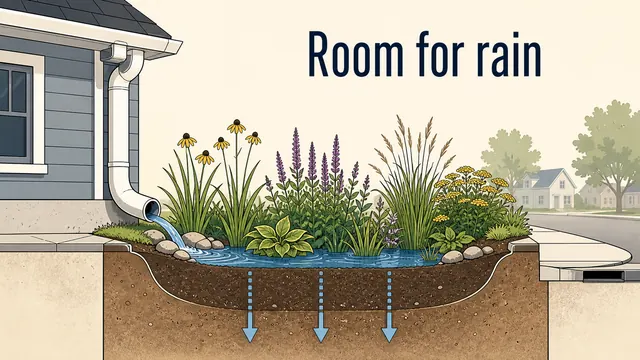
Turn a blog post into a drawn explainer video
Copy the key text of a blog post into Doodaro, trim it to a 2-minute script, build the storyboard, redraw one scene and export a drawn explainer.
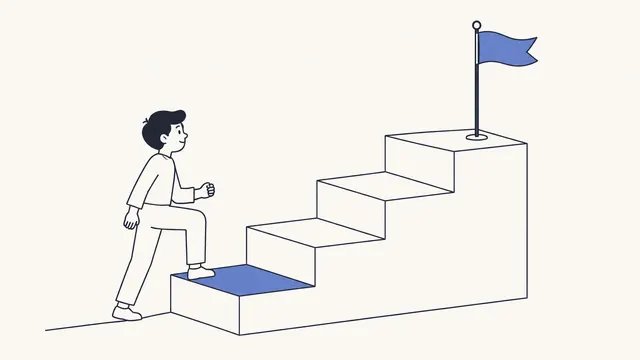
Turn product docs into a how-it-works video
Paste a feature page or help article into Doodaro, build a storyboard of drawn steps, redraw the one step that misses, and export a how-it-works MP4.
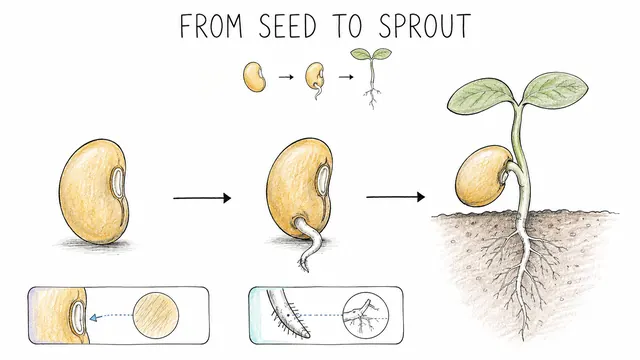
Turn a lesson plan into a whiteboard lesson video
Paste a lesson plan into Doodaro, build a storyboard of drawn teaching scenes, redraw the one diagram that is wrong, and export a lesson students can rewatch.
Turn a PDF or report into an explainer video
Upload a PDF or paste its link, let Doodaro pull out the text and the slides, build a storyboard of drawn scenes, fix the one chart scene that misses, and export an MP4.
Ready to draw your next story?
Start with 2 free minutes. No card needed. Your script becomes a storyboard you can fix one scene at a time.