
Run a faceless YouTube channel that looks hand-drawn.
A faceless channel lives or dies on two things: whether viewers keep watching, and whether you can keep publishing. Drawn video helps with both. A pen building a picture on screen holds attention in a way a slideshow does not, and a script-to-storyboard workflow means every upload follows the same steps.
Doodaro takes the script you already wrote, splits it into scenes, draws each scene in one of 37 hand-drawn styles, and reads it in a narrator you picked from the voice library. When a scene is wrong, you fix that scene. You do not start over.
2 free minutes · No card needed
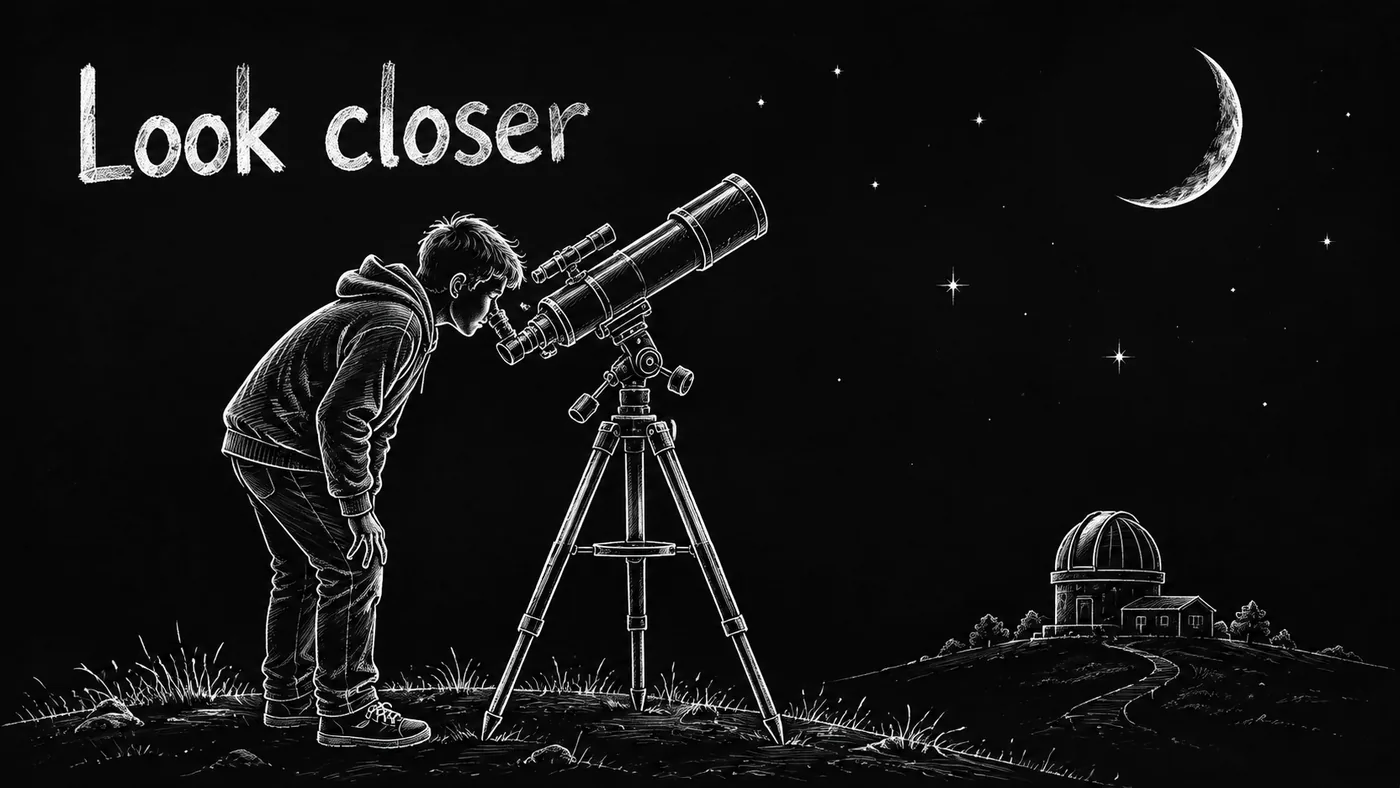
Viewers stay with a pen that is drawing something, and a drawn channel never needs you on camera.
How it works
- 1
Paste the script
Write your video script or ask the story assistant for a draft. Press Build scenes and Doodaro splits it into scenes, each with narration and a picture description.
- 2
Pick a style and a narrator
Choose one of 37 hand-drawn styles for the whole video and one narrator from the voice library. Preview any voice reading your own lines before you commit.
- 3
Fix one scene, then export
Open the storyboard, redraw or revoice the scenes that miss, set reveal and hold times, render the full video and download the MP4 in 16:9 or 9:16.
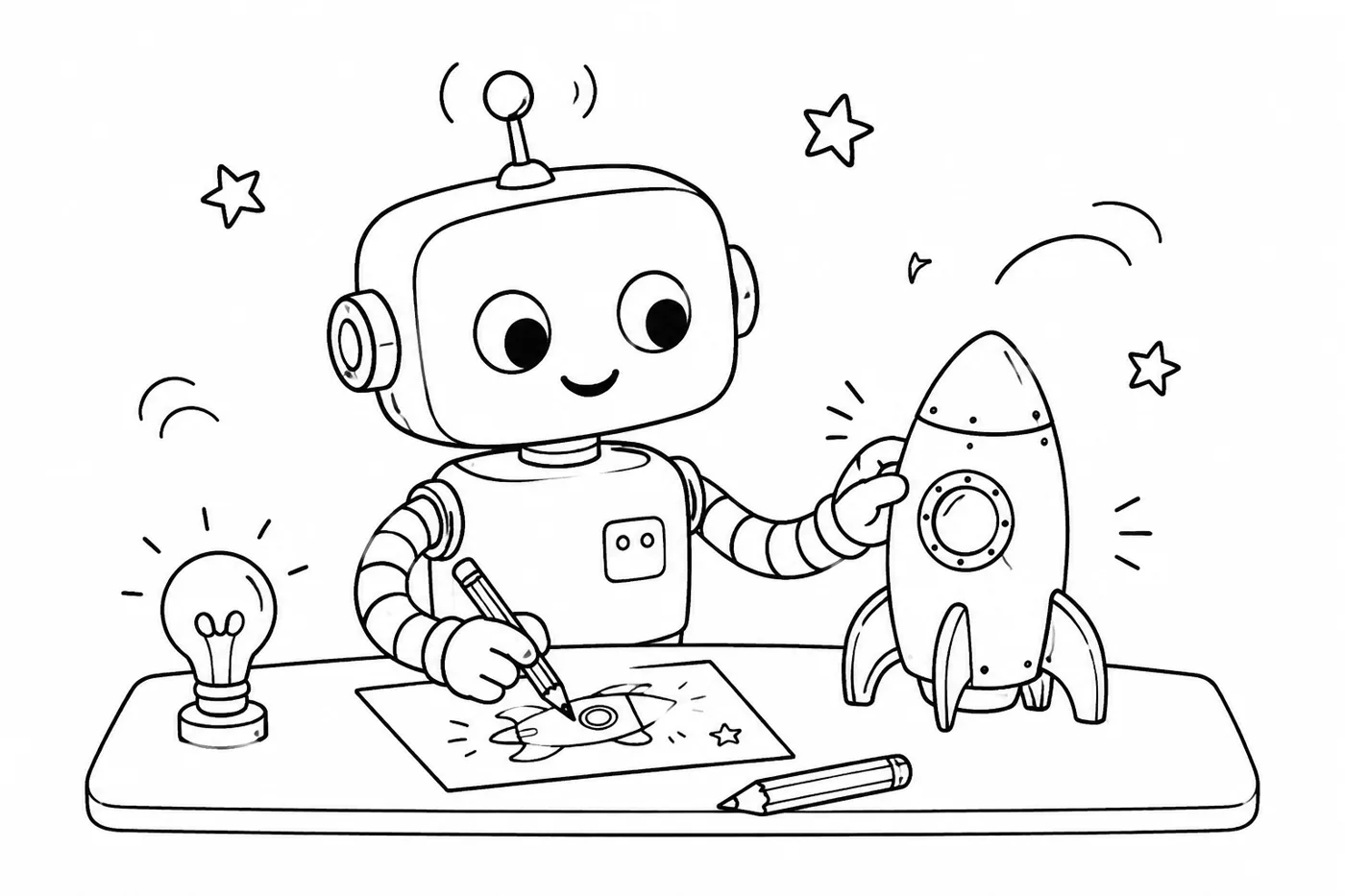
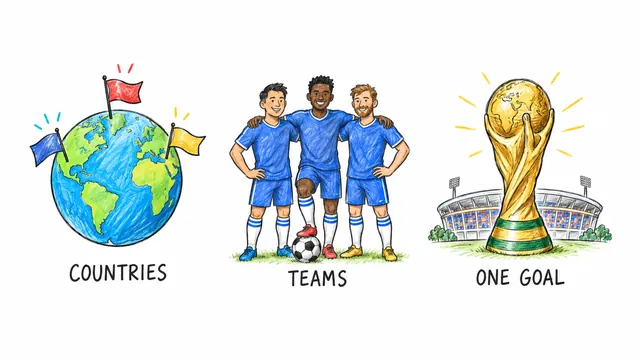
Styles that fit
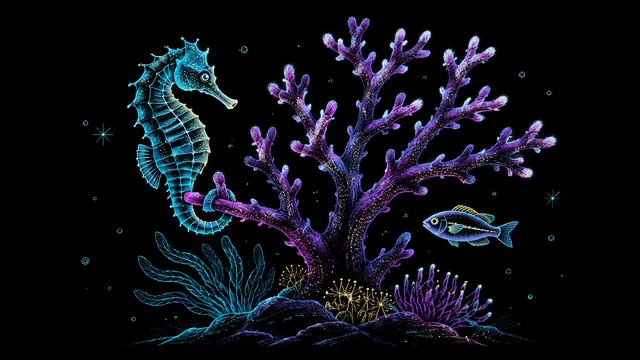
Control, one scene at a time
One scene at a time
Every scene is a card with its picture, narration and voice. Redraw scene 7 without touching scenes 1 to 6 or 8 to 20.
One voice for the channel
Pick a narrator once and reuse it on every upload so the channel sounds like one person. Override the voice on a single scene when a quote needs a different reader.
Timing you control
Set how long the pen draws and how long the finished picture stays on each scene. Slow the reveal on the key point and speed through the transitions.
Before and after
- You drag the same clip-art hand across the same stock library everyone else uses.
- One wrong fact in scene 9 means regenerating the whole video and paying for it again.
- Color, vertical video and your own narration sit behind higher price tiers.
- The video is a black box. Prompt in, video out, no way to see why scene 4 looks wrong.
- Paste the script, press Build scenes, and get a storyboard with a picture description per scene.
- Open scene 9, change the narration, regenerate that picture, and leave the other scenes as they are.
- Every style renders in color, in 16:9, 9:16 or 1:1, on every plan, and you can upload your own recording for any scene.
- The pen draws the actual line work of each picture stroke by stroke, and you set the reveal and hold time per scene.
Common questions
Why do faceless YouTube channels use drawn video?
A drawing that appears line by line gives the viewer something to watch while the narrator talks, so watch time holds up without a presenter. It also looks different from the stock footage and slideshow channels in the same niche. And you never have to show your face or record on camera.
Do I need drawing or editing skills?
No. You write or paste the script, and Doodaro draws each scene in the style you picked and reads it in the voice you picked. Editing means opening a scene card, changing the text or the picture description, and regenerating that scene. There is no timeline to learn.
How fast can I make a video for my channel?
You can get from a script to a first full draft in one sitting. Most of the time goes into reading the storyboard and fixing the scenes that miss, not into waiting. Render times depend on length and style, so we do not promise a number of minutes.
Can I make different kinds of videos for different niches?
Yes. A finance channel might use Editorial Ink in 16:9 with a calm narrator, a Shorts channel might use Midnight Chalk in 9:16 with faster reveals, and a history channel might use Parchment Ink. Style, format and narrator are chosen per video, so one account can run several channels with different looks.
What if I need to change the video after it is made?
Open the storyboard, find the scene that changed, edit its narration or picture description, and regenerate that scene. Then render the video again. The other scenes keep their pictures and audio.
Other teams using Doodaro
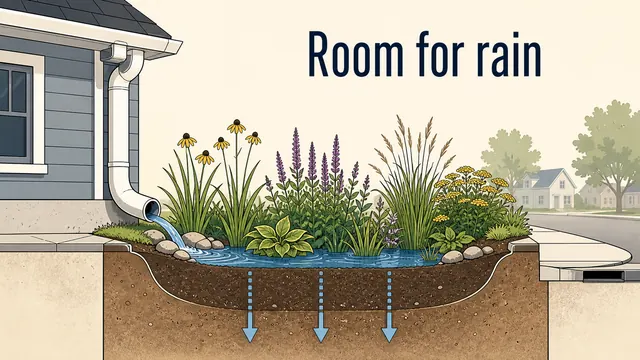
Make a whole course look like one hand drew it.
Turn course modules into drawn lesson videos with one style, one narrator and a storyboard per lesson. Update a lesson by fixing one scene, not re-recording it.

Turn a sermon or devotional into an illustrated video people share.
Turn a sermon, devotional or daily verse into a drawn video with a calm narrator and a style that fits the text. Fix one scene without redoing the message.
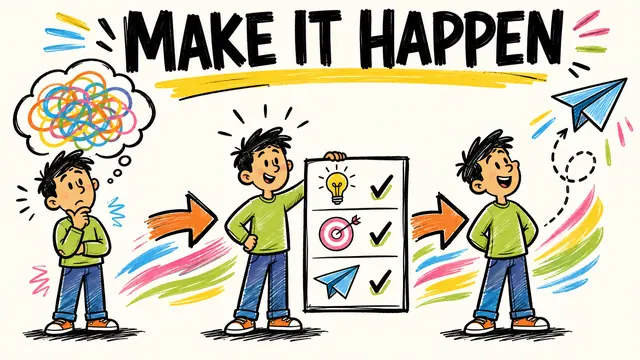
Deliver drawn explainer videos for every client without an animator on payroll.
Turn client scripts into drawn explainer videos and ads. Save a template per client, fix one scene per feedback round, export in 16:9, 9:16 and 1:1.
Ready to draw your next story?
Start with 2 free minutes. No card needed. Your script becomes a storyboard you can fix one scene at a time.