
From a script to a drawn video, one scene at a time.
Four screens. No timeline to drag, no clip art to pick, and no black box that hands you a whole video you can't change.
Story
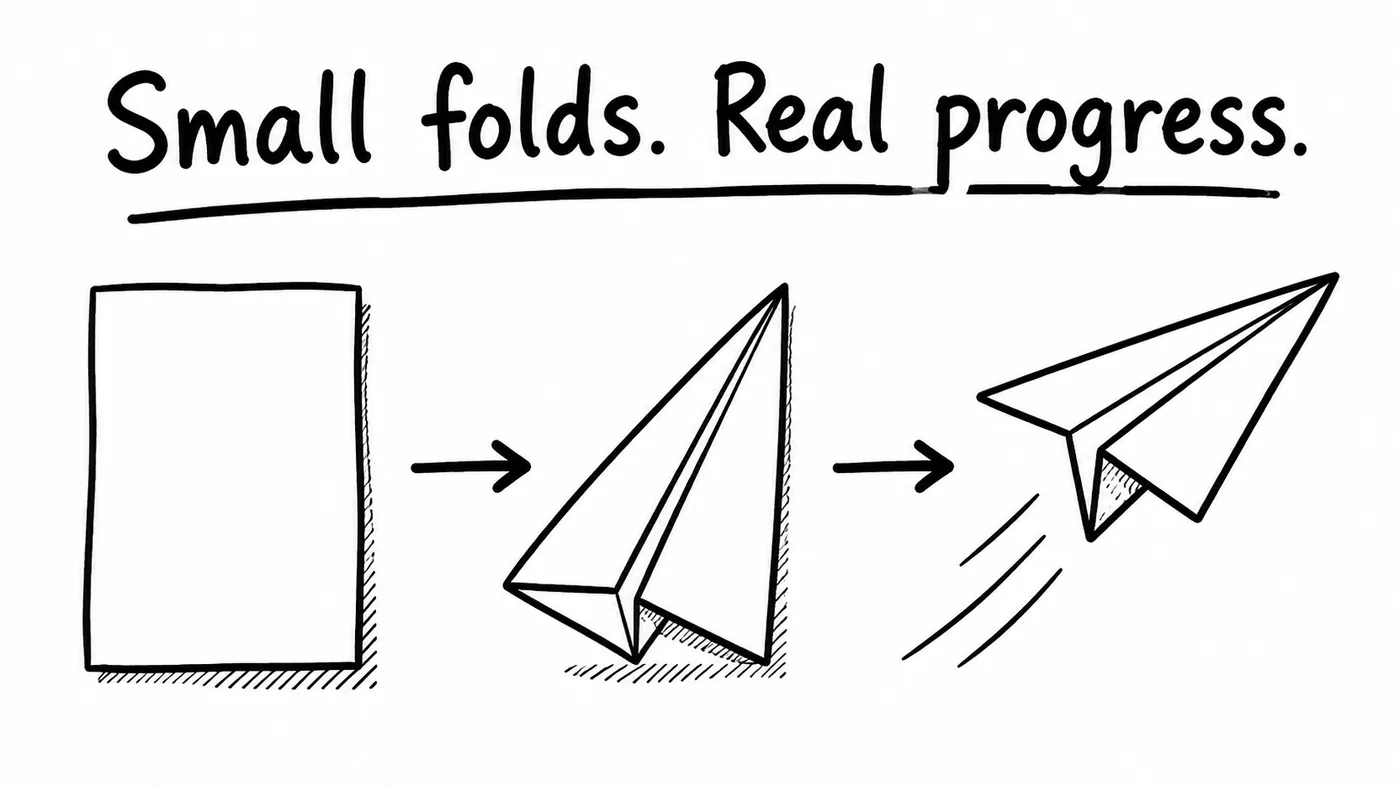
Paste a script, upload a PDF or Word file, paste a link to a page, or ask the story assistant for a draft. Set the audience, language and target length. Press Build scenes and the script becomes scenes, each with narration and a one-line picture description.
- Paste, upload a document, paste a link, or draft with the assistant
- One scene per idea, with narration and a picture description
- Recurring characters and details stay consistent
Storyboard
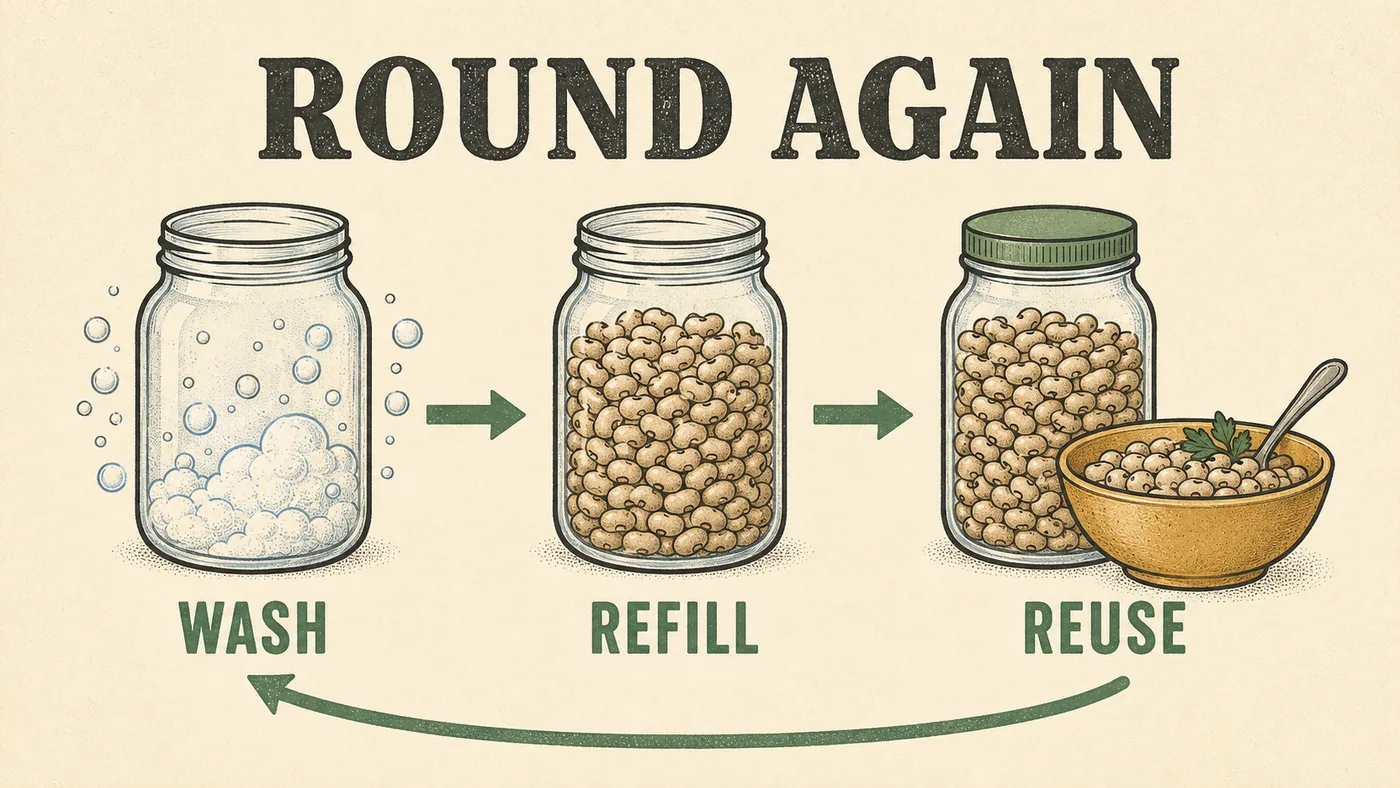
Pick a drawing style and a narrator once. Every scene is a card with its picture, narration, voice and status. Open a scene, change a line, and redraw or revoice just that scene.
- 37 hand-drawn styles, or your own template
- A voice library with samples, filters and per-scene overrides
- Draw, Voice and Listen buttons on every card
Editor
Set how long the pen draws, how long the finished picture holds, and which way it reveals. Story scenes get a camera that follows the drawing and returns to the whole board. Preview one scene, then render the video.
- Reveal, hold and direction per scene
- Camera moves for grouped drawings
- Upload your own recording for any scene
Export
Render the full video as MP4 in landscape, portrait or square. Change a scene later and render again; your other scenes are untouched. Minutes count on the export, not on drafts (minute metering is off during the beta, so exports do not use up your allowance yet).
- 16:9, 9:16 and 1:1 on every plan
- MP4 with no watermark
- Re-render after any change
Fix one scene, not the video.
Prompt-to-video tools regenerate the whole thing when one line is wrong, and lock the narration once it's made. In Doodaro every scene keeps its own picture, narration and voice, so a change is a change to one card.
- One prompt, one whole video
- Narration locked after generation
- Edits by prompting again, charged again
- Color and vertical on higher plans
- One card per scene with its own picture and voice
- Revoice a scene with any narrator, or your own recording
- Redraw one scene; the rest stay as they were
- Color, every style and every format on every plan
Questions about the workflow
Can I start from a PDF or a link?
Yes. Upload a PDF, Word, RTF, text, Markdown or HTML file, or paste a link to a public page or online document. Doodaro reads the visible text, shows the slides it found in the headings, and you review and edit that text before building scenes. See the guide on turning a PDF or link into a video.
Do I write the whole script first?
You can, or you can give the assistant a brief and shape the draft with it. Either way the script is yours to edit before you build scenes.
What does the engine actually draw?
Doodaro generates original artwork for each scene in the style you picked, then its rendering engine animates the real line work of that artwork stroke by stroke. It is not a stock hand dragging clip art.
Can I change the style after the storyboard is built?
Yes. Pick another style and redraw the scenes. Your script, narration and timing stay.
How long does a video take to make?
Building the scenes and drawing them happens in one sitting; rendering the final video runs on our servers and you can keep working while it finishes. We don't promise a fixed number of minutes because it depends on length and style.
Can I use my own drawings?
Yes. Upload an illustration and Doodaro traces and animates it like any generated scene.
Ready to draw your next story?
Start with 2 free minutes. No card needed. Your script becomes a storyboard you can fix one scene at a time.