New: the Doodaro MCP server. Make doodle videos from Claude, ChatGPT and Cursor.

See how it works
Doodaro

Doodaro, the AI doodle and whiteboard video maker

Original style · Whiteboard Free welcome minutes · No card needed

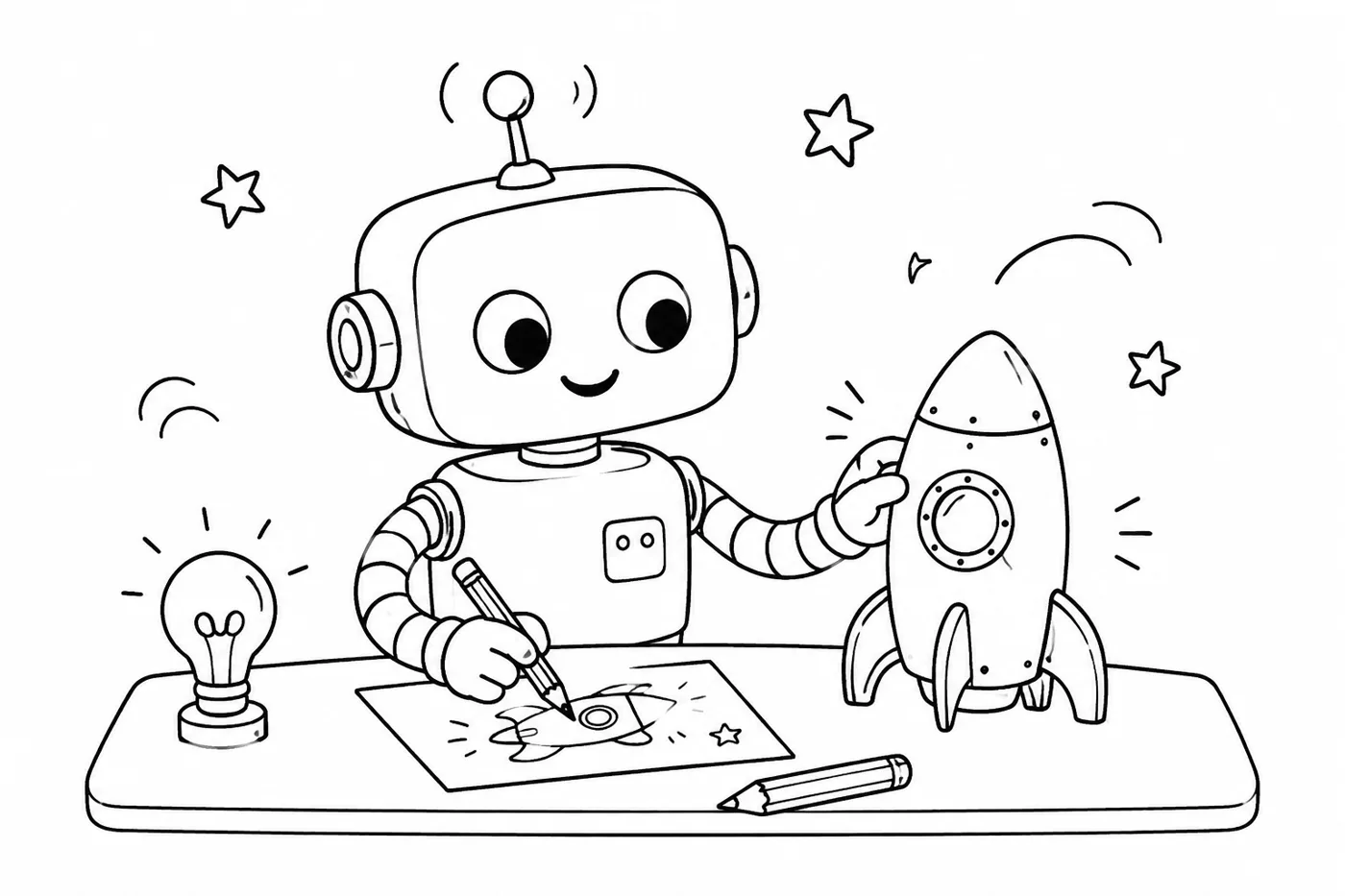
The Curious Creator
Whiteboard doodles, drawn live

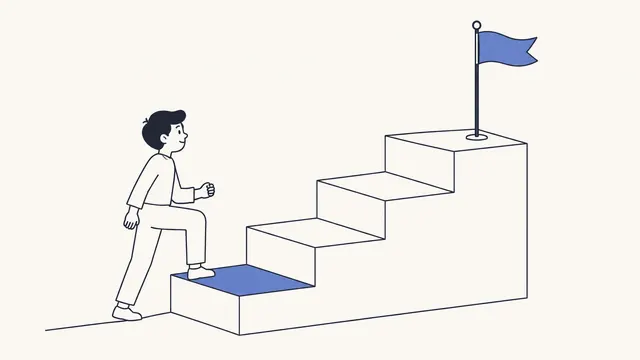
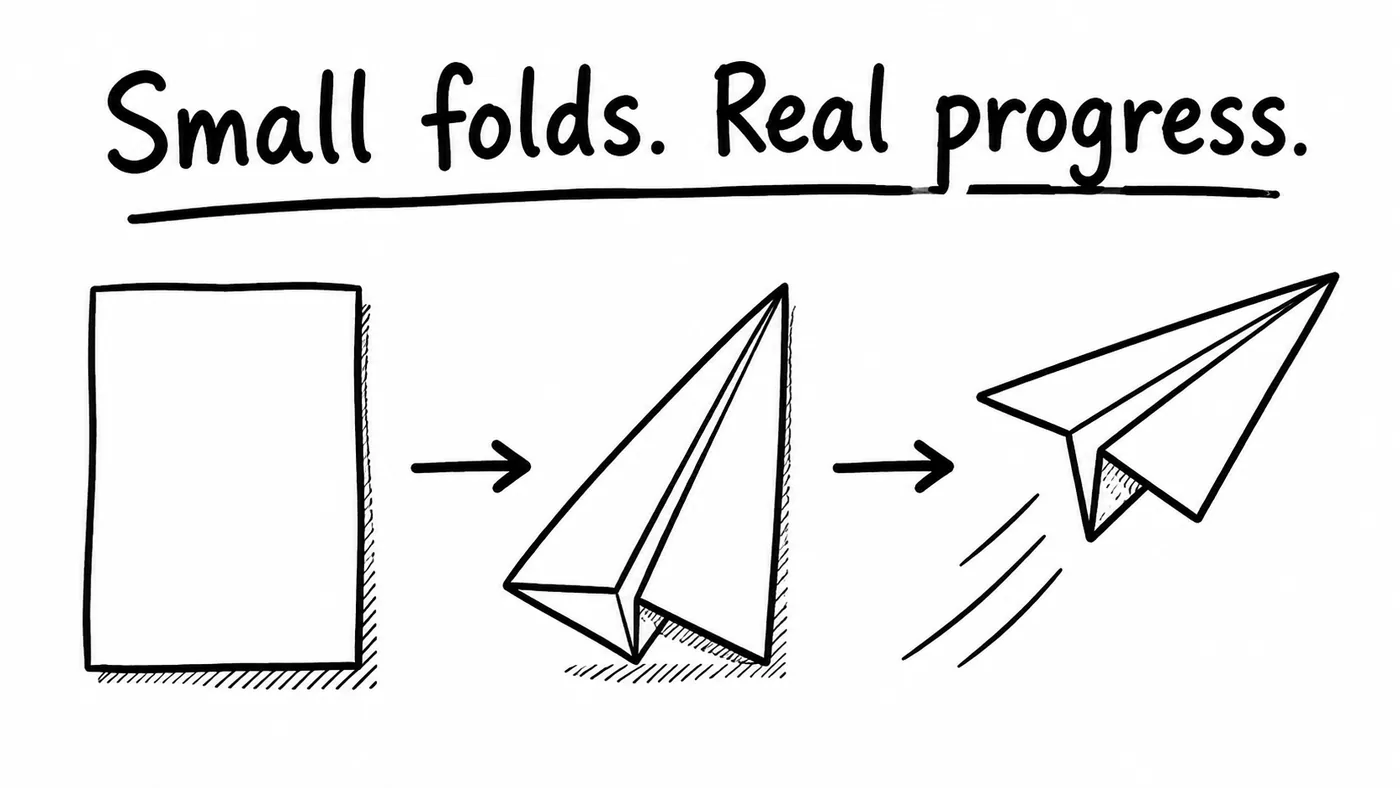
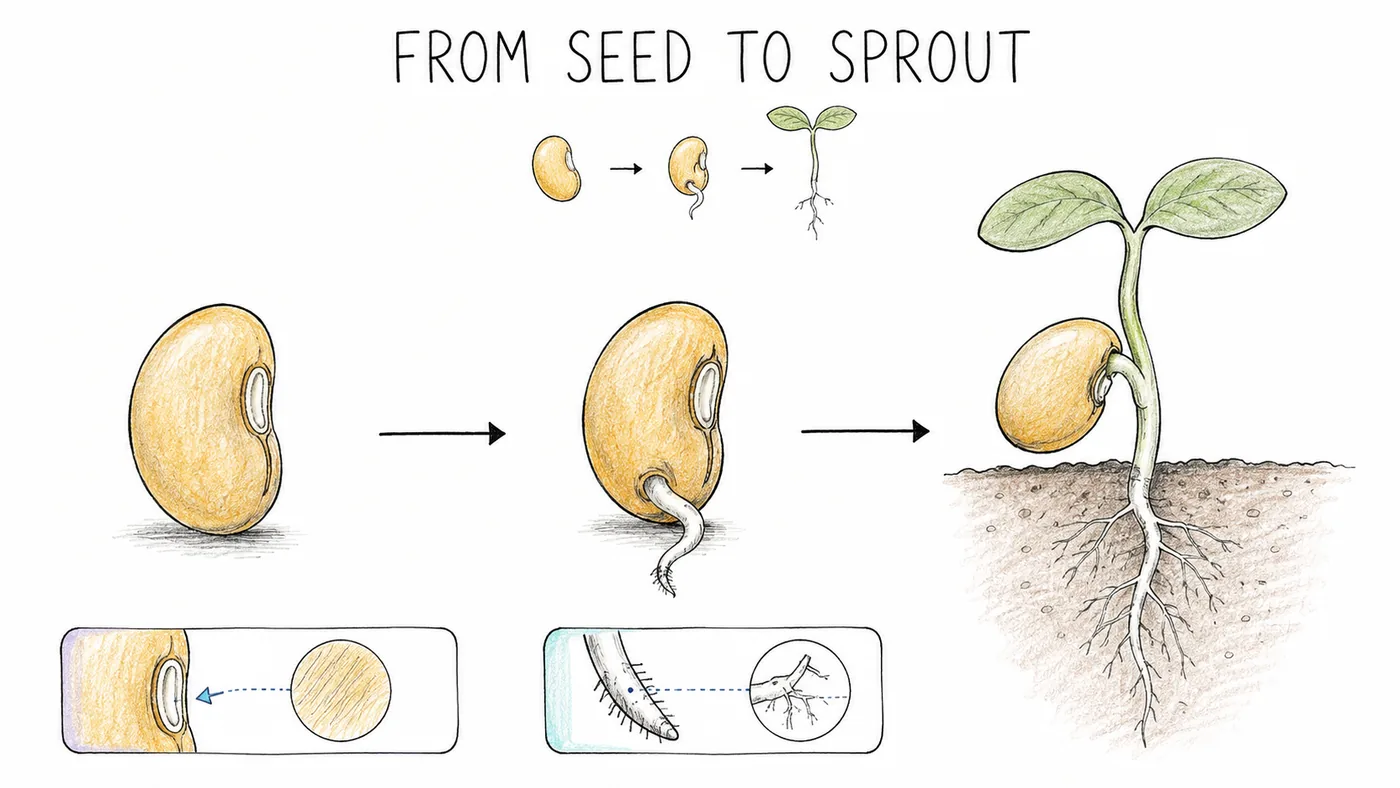
Our signature whiteboard look. A single smooth black line builds recognizable characters, objects and arrows with the natural rhythm of a marker on a board. Interiors stay open and white, so the reveal reads clearly at any size and on any background.

1/3
Templates

Every style your story needs.

Thirty-seven hand-drawn looks, from classic whiteboard to chalk, cel animation, cut paper and clay. Hover to preview, click to see it in motion.

View all templates
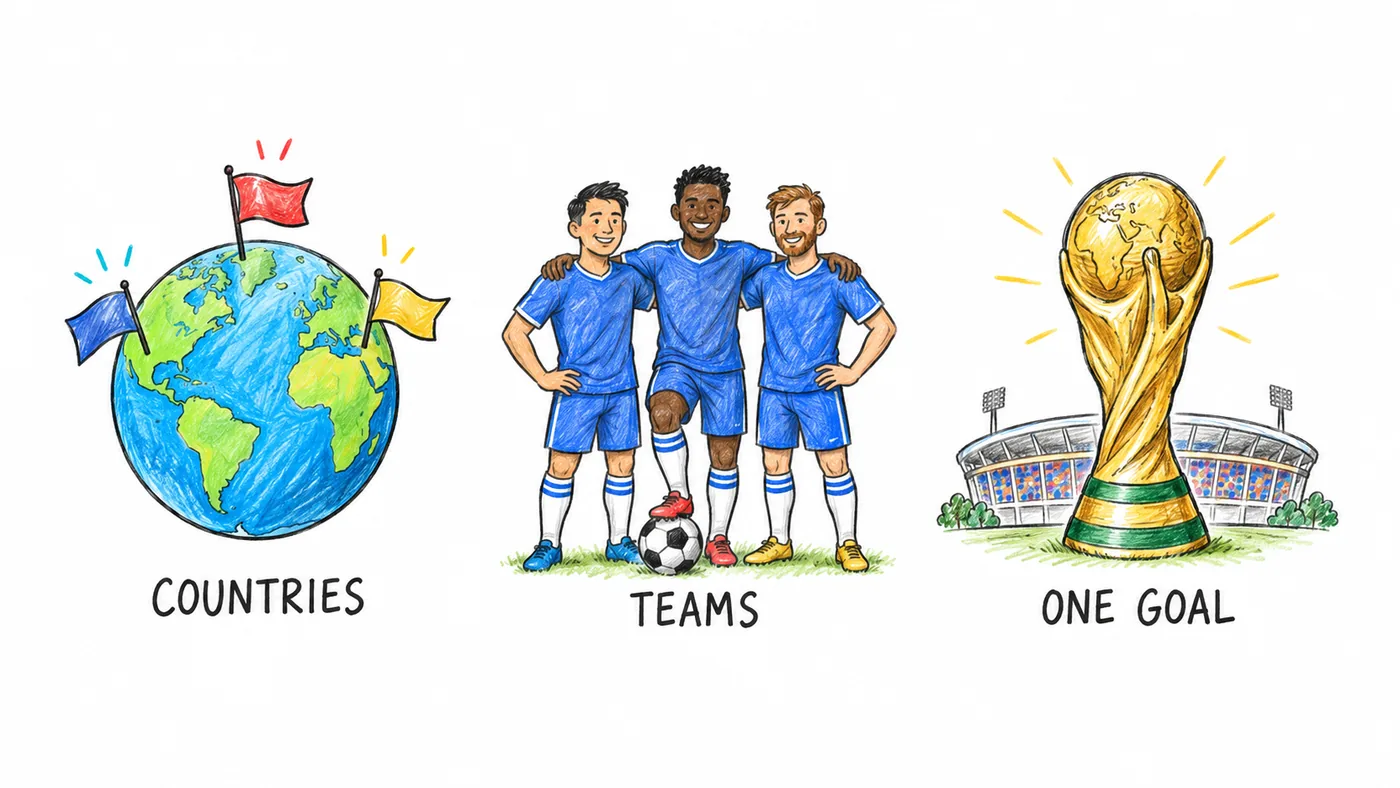
  • The Curious Creator illustration style example
    The Curious CreatorOriginals · Explainers · Startup demos
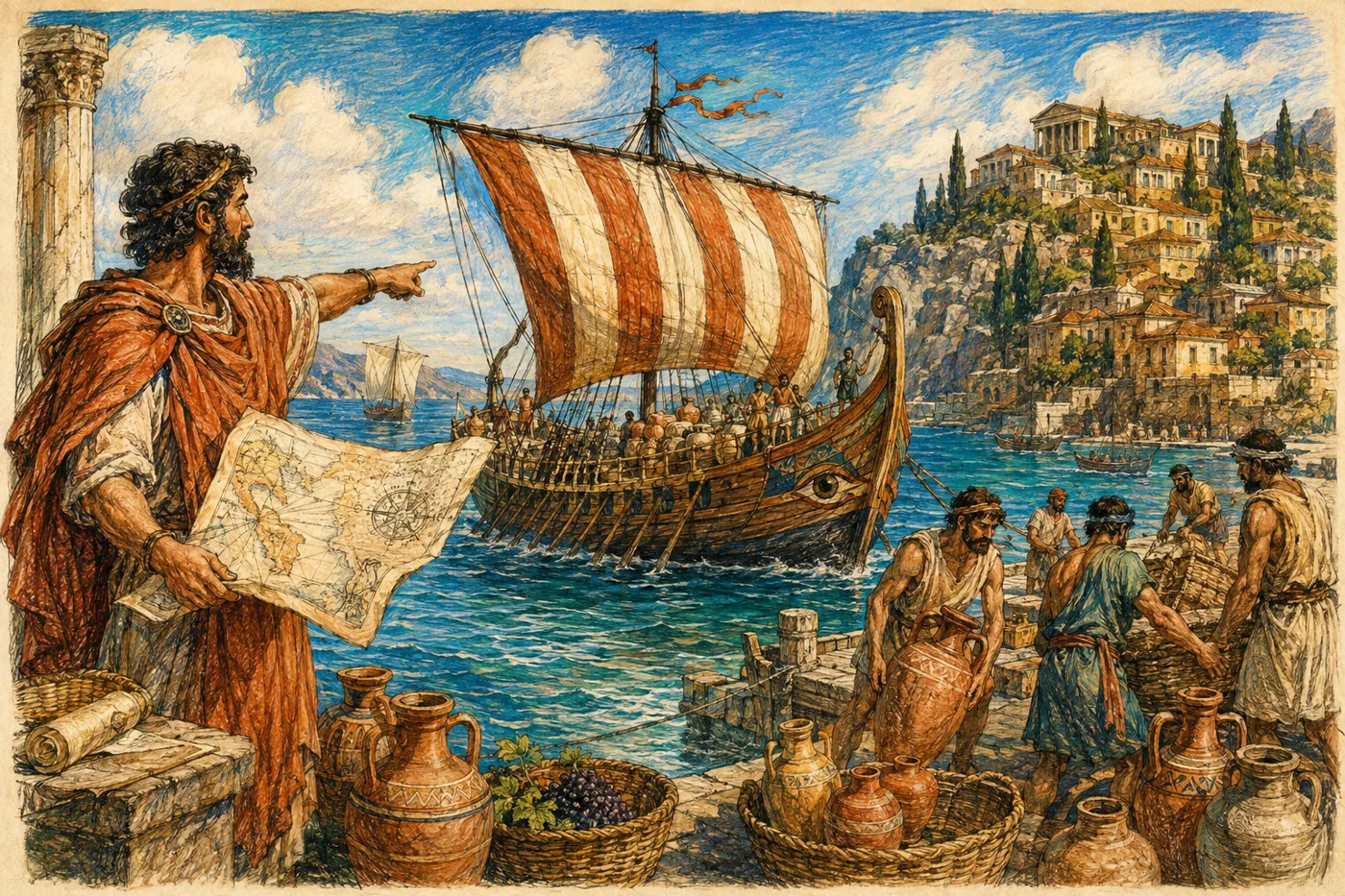
  • Stories Through Time illustration style example
    Stories Through TimeOriginals · History channels · Brand stories
  • Make It Make Sense illustration style example
    Make It Make SenseOriginals · Product explainers · Education
  • Clearboard illustration style example
    ClearboardBoards · Training · Lessons
  • Bold Marker illustration style example
    Bold MarkerBoards · Sales videos · Pitches
  • Color Chalkboard illustration style example
    Color ChalkboardBoards · Shorts · Recipes
  • Midnight Chalk illustration style example
    Midnight ChalkBoards · Faceless channels · Quotes
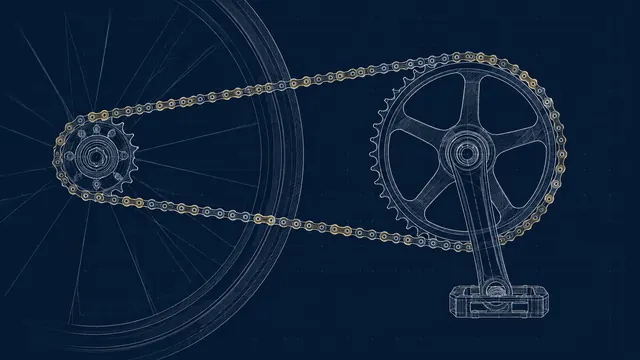
  • Blueprint illustration style example
    BlueprintBoards · Engineering · Architecture
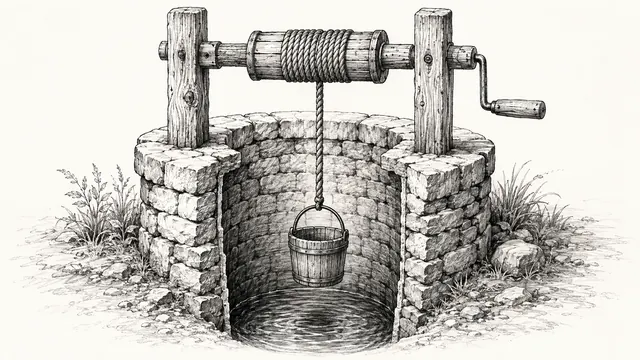
  • Editorial Ink illustration style example
    Editorial InkBoards · Opinion pieces · Finance
  • Graphite Classroom illustration style example
    Graphite ClassroomBoards · Courses · Tutoring
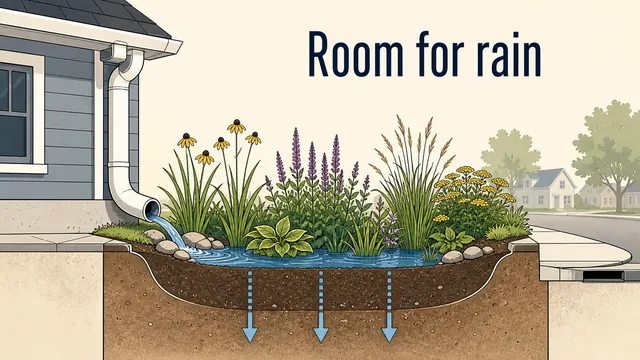
  • Illustrated Ideas illustration style example
    Illustrated IdeasBoards · E-learning · Healthcare
  • Minimal Indigo illustration style example
    Minimal IndigoBoards · SaaS · Fintech
  • Playful Pages illustration style example
    Playful PagesBoards · Kids content · Community
  • Study Notes illustration style example
    Study NotesBoards · Exam prep · Science
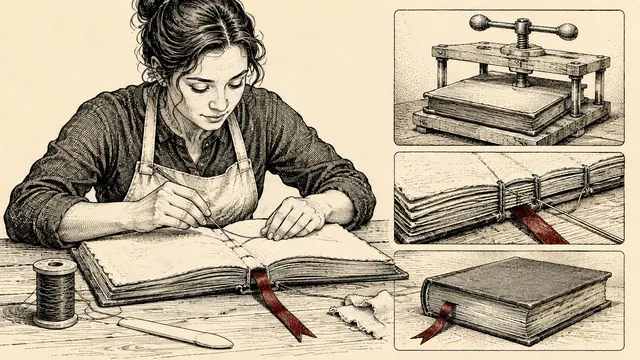
  • Sketch Note illustration style example
    Sketch NoteSketches · Explainers · Podcasts
  • Classic Color Sketch illustration style example
    Classic Color SketchSketches · Storytelling · Travel

Platform

Draw.
Automate.
Publish.

Three parts of one workflow, so a story goes from an idea to a scheduled upload without leaving Doodaro.

Doodaro Studio

Write it, storyboard it, watch it get drawn.

The studio pairs a story assistant with a scene editor. Each paragraph becomes a scene, each scene gets original artwork in your chosen style, and the pen reveals it with timing you set. Upload your own drawings and Doodaro animates those too.

Use it for:
  • Explainers, lessons and channel episodes
  • Turning existing illustrations into motion
  • Landscape, vertical and square from one project
Open the studio
Automations

A publishing calendar that draws for you.

Give Doodaro a topic list or an RSS feed and a schedule. It scripts, draws, titles and queues each video, then posts it to YouTube or your social channels at the slot you chose.

Use it for:
  • Daily devotionals and quote channels
  • Weekly explainers from a content calendar
  • Shorts cut automatically from long-form
See automations
Image Generator, API & MCP

Every style, available anywhere you work.

Generate on-brand illustrations for thumbnails, slides and posts, or call the same engine from your own tools. The MCP server puts Doodaro inside Claude, ChatGPT and Cursor.

Use it for:
  • Thumbnails and social images in your video's style
  • Video production from any chat app
  • Agency and product pipelines at volume
Explore the API
Create

One studio for people who draw stories, and for the tools they already use.

Make videos in the Doodaro studio, or hand the work to your AI assistant. The same engine, the same 37 styles, the same finished MP4 either way.

Create

Sketch Note style illustration drawn in the Doodaro studio

The Doodaro studio takes a script from first idea to published video. Write the story with the assistant, build a storyboard, pick a style, generate every scene's artwork, then tune the pen reveal, holds and camera in the editor. Export or schedule it straight to your channel.

  • Story, storyboard and editor in one flow
  • Image generator with 37 styles and your own templates
  • Schedule and publish to YouTube and social

Develop

Blueprint style illustration representing the Doodaro API and MCP server

Doodaro ships a REST API and an MCP server. Connect it to Claude, ChatGPT, Cursor or any MCP-compatible app and ask for a video in plain language: the assistant writes the script, picks a template, generates the images and renders the MP4. Automate the same pipeline for a whole channel.

  • One API for scripts, images, renders and publishing
  • MCP server that works in any chat app
  • Webhooks and schedules for hands-off production
Advantage

Why creators switch to Doodaro

The whiteboard video tools you know were built around a fixed library of drawings. Doodaro was built around your script.

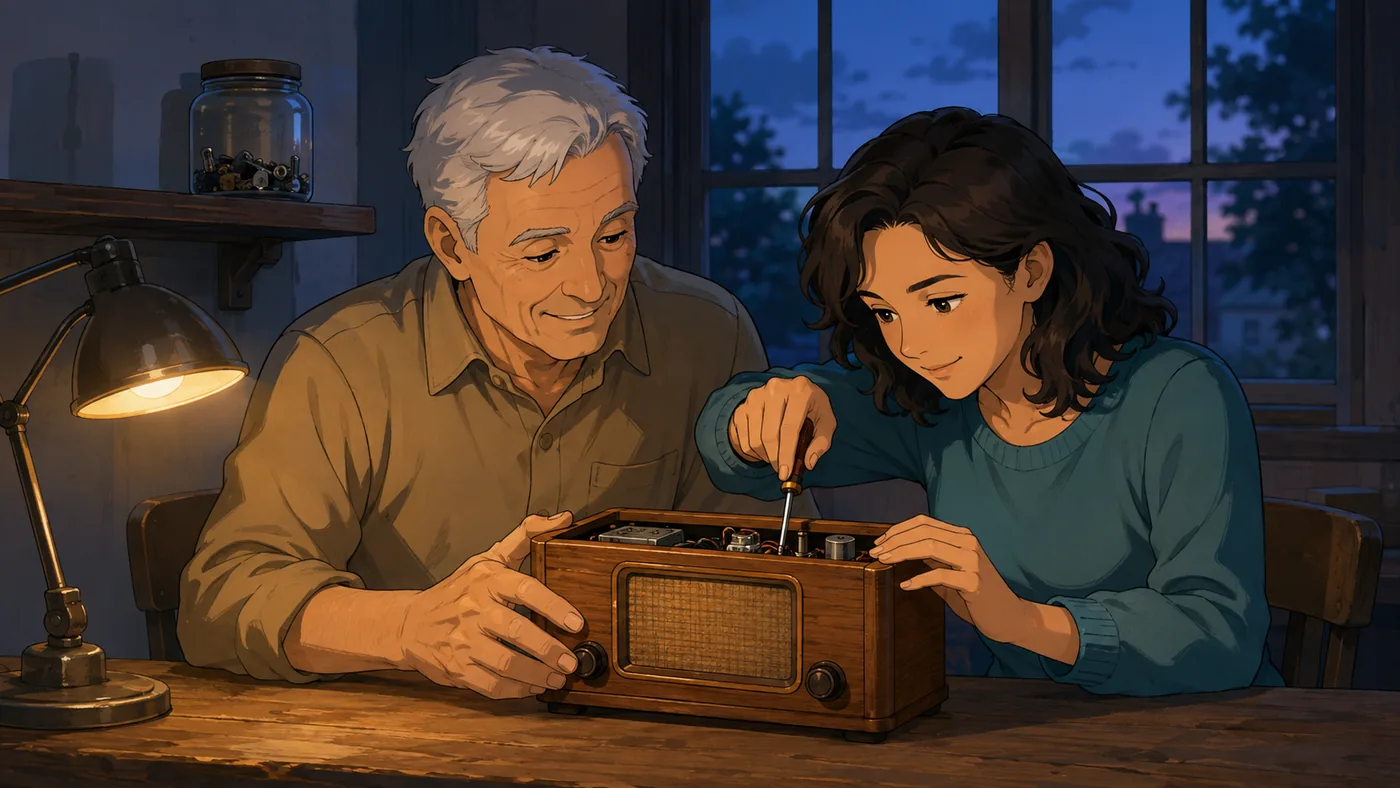
Cinematic Cel style scene generated by Doodaro
  • Real pen strokes, not a fake hand

    Doodaro animates the actual line work of your artwork, with direction, reveal and hold timing you control. Every stroke lands where a person would draw it.

  • 37 styles that all animate natively

    Whiteboard, chalk, blueprint, cel animation, cut paper, clay, isometric, comics. Switch styles and the whole video redraws. No clip-art library to outgrow.

  • Your own templates and brand

    Save reference images and style instructions as a personal template. Every new video, and every video your API makes, stays on brand.

  • Built to publish, not just export

    Titles, descriptions and publishing slots live next to the video. Schedule a week of uploads, or let an automation run the whole pipeline.

Solutions

Made for the channels and teams that publish every week

From faceless YouTube channels to agencies and classrooms, Doodaro handles the drawing, the scheduling and the posting so you can focus on the message.

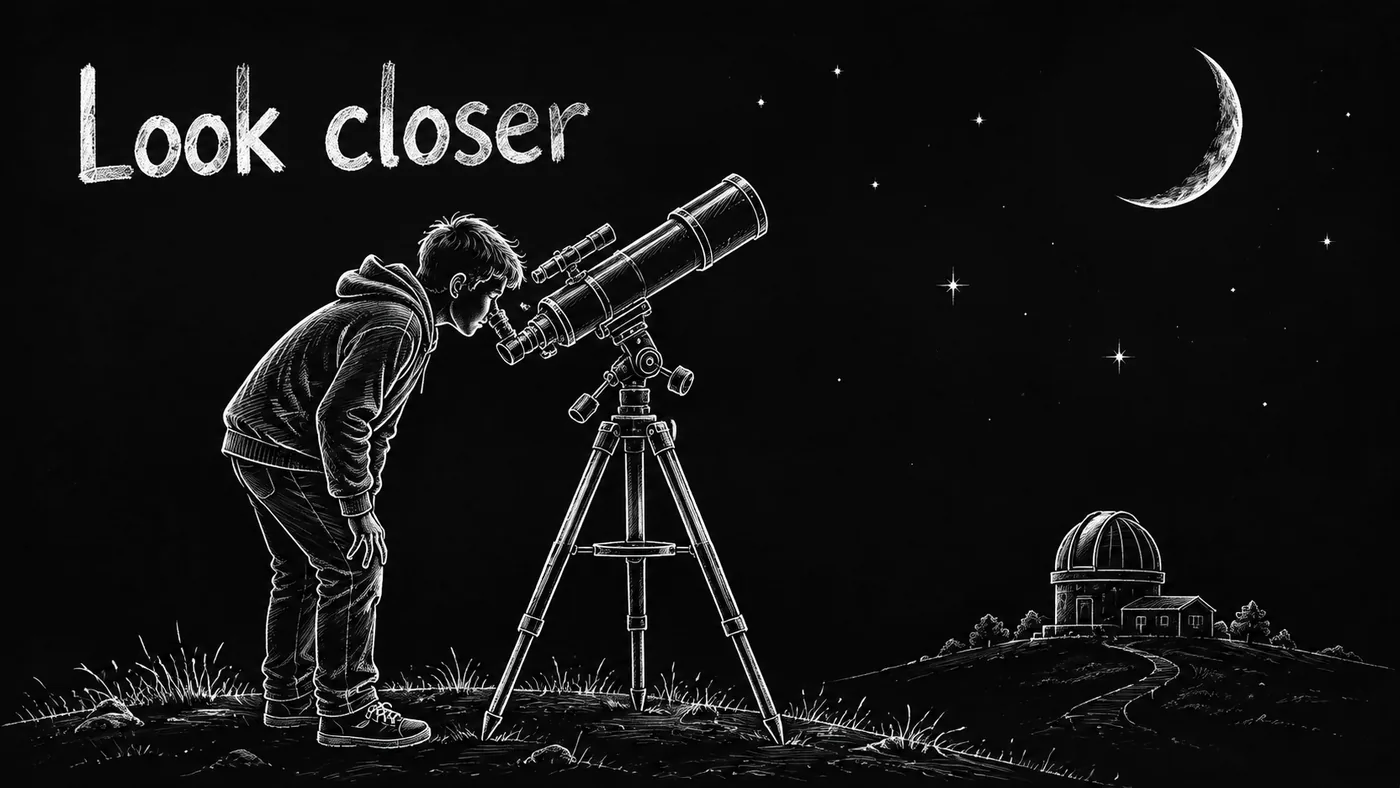
Midnight Chalk style video frame for a YouTube channel
YouTube channels

Run a faceless explainer channel on autopilot

Turn a topic list into a week of drawn videos. Doodaro writes the script with you, draws every scene in your channel style, adds the title and description, and queues each upload to its publishing slot. Long-form for the main channel, 9:16 cuts for Shorts.

  • Recurring automations for daily or weekly uploads
  • Consistent channel style with your own template
  • Landscape and vertical from the same project
Study Notes style diagram for an online lesson
Education & courses

Lessons that look drawn live, without the classroom

Teachers, tutors and course creators use Doodaro to explain one idea at a time. The pen reveals a diagram as the narration reaches it, so students follow the thinking, not just the picture.

  • Whiteboard, chalkboard and study-note styles
  • Scene-by-scene narration timing
  • Reuse a lesson across languages and formats
Color Pop Sketch style marketing illustration
Marketing & agencies

Explainers and ads your clients will recognize as theirs

Agencies keep a template per client and produce campaign videos in minutes, not weeks. Cut paper for the sustainability brand, halftone comics for the youth launch, editorial ink for the finance client.

  • One template per client, on brand every time
  • Square, story and landscape cuts
  • Brief-to-video through the API for volume work
Teams & agencies

Built for the teams that ship a lot of video

Doodaro is used by channel networks, agencies, schools and product teams that need dozens of videos a month to look like they came from one hand.

  • Shared templates
  • Workspace usage
  • API keys
  • Scheduled publishing
  • Priority rendering
  • One brand template, every editor on the team, every video on brand.

    Shared templates
  • Minutes, renders and images per workspace, so budgets stay predictable.

    Usage you can see
  • Plug Doodaro into your own tools, agents and content pipelines.

    API and MCP access
  • Your scripts, artwork and videos stay in your workspace. Nothing is public unless you publish it.

    Private by default
Pricing

Start free. Grow by the minute.

Every account starts with welcome minutes. Paid plans add a monthly allowance and watermark-free exports.

Free

A little room to try a big idea.

$0forever

2 video minutes to start

Start free
  • 2 welcome minutes, once
  • Explore Doodaro templates
  • Save your projects
  • Low image quality included

Starter

For your first stories and everyday ideas.

$39/ month

120 video minutes every month

Choose Starter
  • 120 video minutes every month
  • Colour and black & white styles
  • Your own custom templates
  • Watermark-free exports
  • Low image quality included

Pro

For bigger projects and your next chapter.

$149/ month

510 video minutes every month · includes 30 bonus

Choose Pro
  • Everything in Creator
  • 480 video minutes + 30 bonus minutes
  • 8 hours 30 minutes every month
  • Save $7 compared with four Starter allowances

Prices in USD. Every plan includes all 37 templates, the image generator and 16:9, 9:16 and 1:1 exports. Minutes are counted on the rendered video, not on drafts.

Frequently asked questions about Doodaro

What is Doodaro and how does it work?

Doodaro is an AI doodle and whiteboard video maker. You write or paste a script, pick one of 37 hand-drawn illustration styles, and Doodaro generates the artwork and draws it on screen stroke by stroke, with narration timing, holds and camera moves you control in the editor. Export a full video or a single scene whenever you are ready.

Is Doodaro different from other whiteboard animation tools?

Most whiteboard tools give you a fixed clip-art library and one drawing hand. Doodaro generates original artwork for your script in the style you choose, then animates the actual pen strokes of that artwork. Every video is unique, and every style, from chalkboard to cut paper to cinematic cel, animates natively.

Can I use my own images and brand style?

Yes. Upload your own illustrations and Doodaro will trace and animate them. You can also save your own templates with reference images and style instructions so every new video matches your brand.

What is the Doodaro MCP server?

MCP is the open Model Context Protocol that lets AI assistants use tools. Doodaro ships an MCP server, so you can ask Claude, ChatGPT, Cursor or any MCP-compatible app to write a story, pick a template, generate the images and render a video, all from chat.

Does Doodaro schedule and publish videos?

Doodaro includes scheduling and publishing workflows for YouTube and social channels, so a finished video can be titled, described and queued for a publishing slot without leaving the studio. Automations let you run the same pipeline on a recurring schedule.

How does pricing work?

Every account starts with free welcome minutes. Paid plans are monthly and include a video-minute allowance, all templates, watermark-free exports and image generation at the included quality. You only move up when you need more minutes.

Who owns the videos I make?

You do. Videos, images and templates you create in Doodaro are yours to publish, sell and reuse under your plan terms.

What formats can I export?

Landscape 16:9 for YouTube and web, portrait 9:16 for Shorts, Reels and TikTok, and square 1:1 for feeds. Exports are MP4 with clean edges and no watermark on paid plans.