
Turn a lesson plan into a whiteboard lesson video
A lesson plan is already a script with a sequence: what students should know, the terms they need, an example worked through, a check at the end. Doodaro turns each of those parts into a drawn scene on a board, with narration, so students can watch the lesson before class or rewatch it before a test.
You keep control of every board. If one diagram is wrong, you redraw that scene. If the curriculum changes next year, you edit the two scenes that changed and export again.
2 free minutes · No card needed
How it works
- 1
Paste the lesson plan
Copy the objective, the key terms, the worked example and the summary into the Story box, in the order you would teach them. Leave out timing notes and materials lists. If your plan is only bullet points, ask the story assistant to draft a 4-minute script from them.
- 2
Doodaro builds the scenes
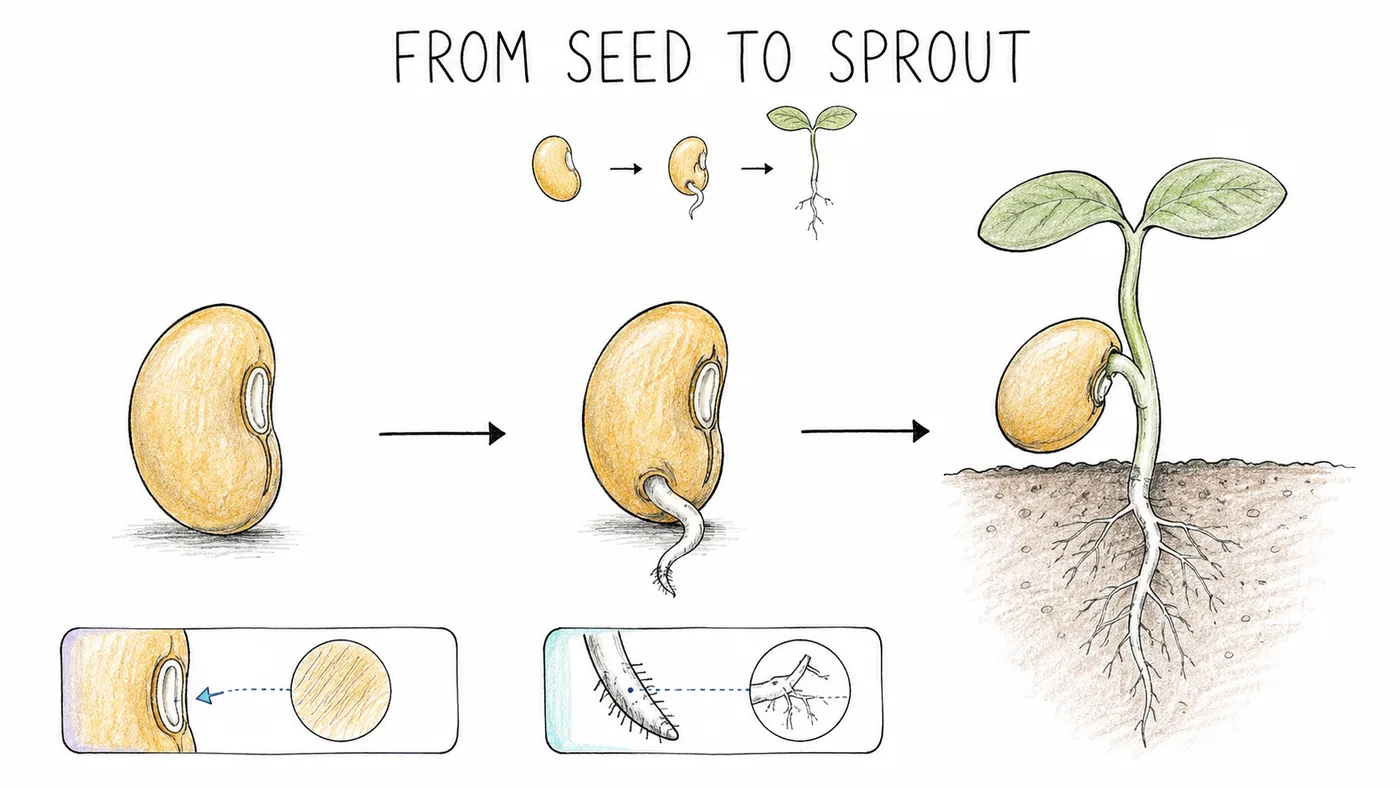
Pick a style such as Study Notes, fine pen and colored pencil on white that looks like a good student's notebook. Build scenes gives each term and each step of the example its own drawn scene with narration.
- 3
Review, then export
Check the diagrams first. If a drawn water cycle has the arrows going the wrong way, edit the picture description on that scene and click Redraw. Give definition scenes a longer hold time so students can pause and copy, then render the MP4.
Example: a grade 7 lesson on the water cycle
A one-page lesson plan became a 560-word script with four terms, one diagram and a two-question check. Build scenes produced eleven scenes. Scene 6, the full cycle diagram, drew condensation below the cloud line, so the picture description was changed to 'cloud at top, condensation label next to the cloud, rain arrows pointing down, evaporation arrows pointing up from a lake' and only that scene was redrawn. The lesson ran 3 minutes 55 seconds.
- Style: Study Notes
- Voice: calm American English narrator
- Length: 4 minutes
- Format: 16:9
Best practices
- Keep a lesson video to 4 to 6 minutes, which is 600 to 900 words. Split a 45-minute class period into three or four short videos rather than one long one.
- Give each key term its own scene of 8 to 12 seconds, with the term named in the narration and written in the picture description so it appears on the board.
- Set a hold time of 4 to 5 seconds on diagram and definition scenes so students can pause the video and copy the board.
- Put one check question at the end with a 5-second hold before the answer scene. It gives students a beat to answer before the drawing reveals it.
- Describe diagrams in plain words with directions: 'arrow pointing up from the lake', 'three boxes in a row labeled input, process, output'. Descriptions under 30 words draw more reliably.
Frequently asked questions
How do I turn a lesson plan into a video?
Paste the objective, key terms, worked example and summary into Doodaro's Story box, pick a style and click Build scenes. Each part becomes a drawn scene with narration. Check the diagrams in the storyboard, redraw any that are wrong, and export the MP4 to share with your class.
Can I use my own voice for the lesson?
Yes. Record each scene's narration and upload it on that scene. Students hear their own teacher, and you still get the drawn board. You can also mix a library narrator on some scenes with your own recording on others.
How long should a whiteboard lesson video be?
Four to six minutes for one topic. At about 150 words per minute that is 600 to 900 words of narration. Shorter videos are easier to rewatch before a test and easier to fix when the curriculum changes.
Can I fix one diagram without redoing the lesson?
Yes. Open that scene with Edit, change the picture description to say what the diagram should show, and click Redraw. Only that scene is regenerated. The rest of the lesson keeps its pictures and narration.
Which style looks best for a school lesson?
Study Notes for a notebook look, Clearboard or Graphite Classroom for a plain whiteboard, and Playful Pages or Crayon Stories for younger students. One style applies to the whole video, and you can switch it later; the scenes are redrawn.
Can I make the same lesson in another language?
Write or translate the script in that language and pick a narrator for it from the voice library, which covers a dozen-plus languages. Doodaro does not translate a finished video, so translate the script and build the scenes again.
Related use cases
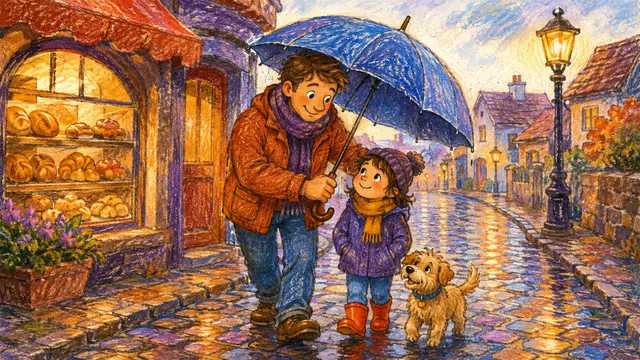
Explainer videos for kids in a crayon style
Write a 3-minute script in short sentences, build a storyboard in Crayon Stories, redraw the one scene that is too busy, and export an explainer for children.
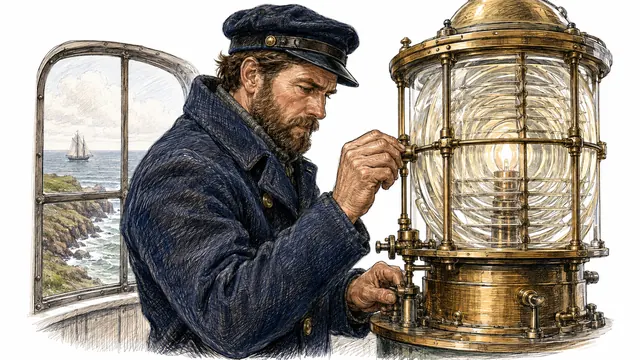
History explainer videos in an engraved, hand-drawn style
Write a 5-minute history script, build a storyboard in Heritage Sketch, redraw the one scene with the wrong century, and export an MP4 for a history channel.
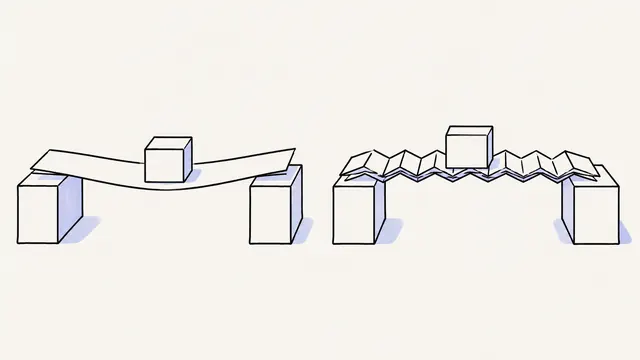
Turn a script into a whiteboard video in minutes
Paste a finished script, let Doodaro split it into drawn scenes with narration, fix the one scene that misses, and export an MP4 whiteboard video.
Personal finance explainer videos on a chalkboard
Write a 4-minute finance script with one worked example, build a storyboard in Midnight Chalk, redraw the one chart scene that misleads, and export an MP4.
Ready to draw your next story?
Start with 2 free minutes. No card needed. Your script becomes a storyboard you can fix one scene at a time.