
History explainer videos in an engraved, hand-drawn style
History explainers are one of the best faceless formats on YouTube, and drawn history has an advantage over stock footage: there is no footage of 1666, but there can be an engraving of it. Doodaro draws each event in a period style, stroke by stroke, while your narrator reads the script.
The workflow is the same as every other Doodaro video, with one extra habit: read the picture descriptions for anachronisms before the drawings exist, and redraw the one scene that gets the century wrong.
2 free minutes · No card needed
How it works
- 1
Write or paste the script
Paste a 600 to 900-word script into the Story box: the question, the background, the events in order, why it mattered. Put dates in the text. If you have only an outline, ask the story assistant to draft the script from your notes and then fix the facts yourself.
- 2
Doodaro builds the scenes
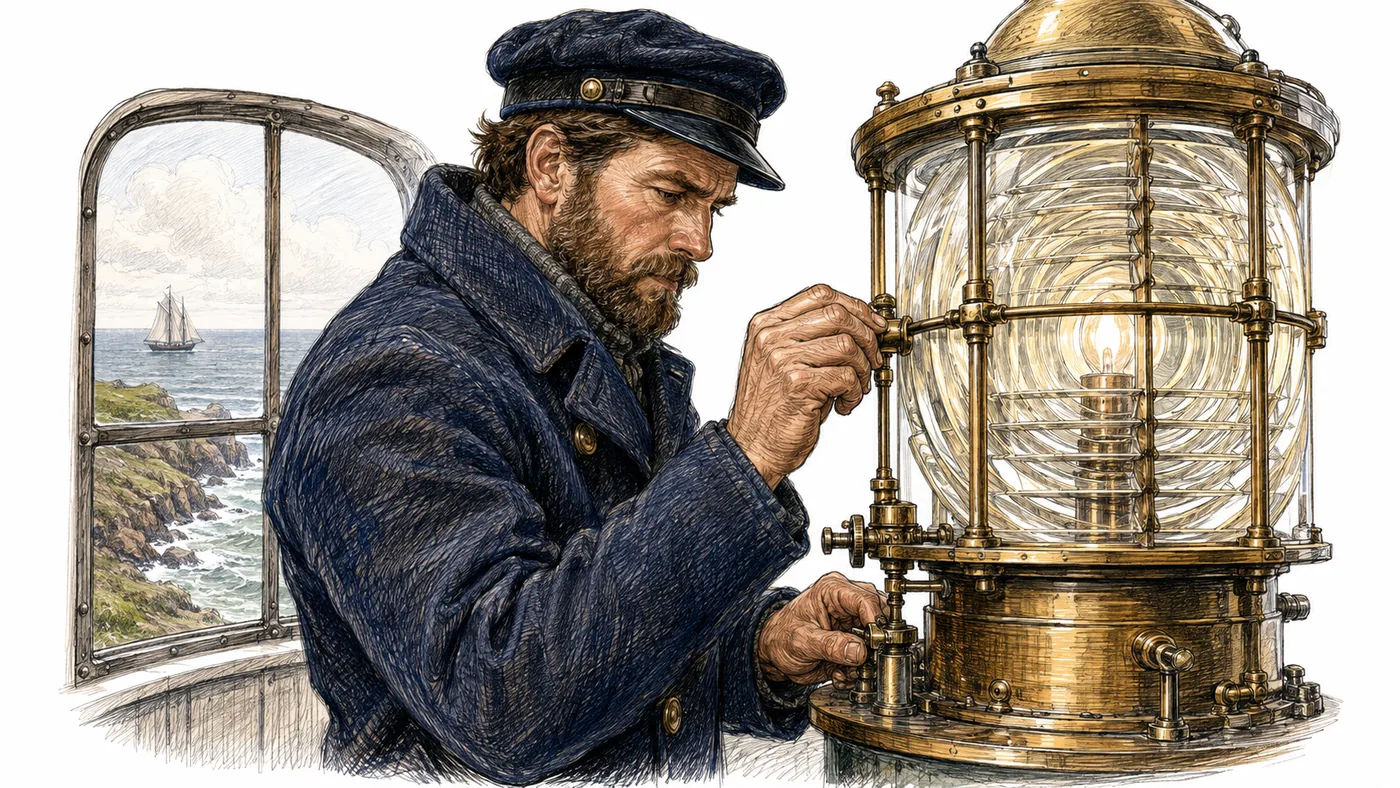
Pick Heritage Sketch, detailed ink with directional hatching that looks like a period engraving, or Parchment Ink for ancient and medieval subjects. Build scenes gives each event its own drawn scene with narration and a picture description you can read before anything is drawn.
- 3
Review, then export
Read every picture description for anachronisms before you look at the drawings, then check the drawings. If a 1650 scene shows a steam engine, edit the description to name the period and click Redraw on that scene only. Then render the MP4.
Example: why the Great Fire of London spread so fast
A 780-word script in five parts: the bakery on Pudding Lane, the wind, the wooden houses, the delay in pulling buildings down, and what changed afterward. Build scenes produced thirteen scenes. Scene 9 drew a fire engine with a hose when the narration described bucket chains and fire hooks, so the picture description was changed to 'men passing leather buckets along a narrow street, one man with a long fire hook, 1666' and only that scene was redrawn. The video ran 5 minutes 20 seconds.
- Style: Heritage Sketch
- Voice: measured British English narrator
- Length: 5 minutes
- Format: 16:9
Best practices
- Keep one video to one question and 5 to 8 minutes, which is 750 to 1,200 words. A whole war is a series; one battle or one decision is a video.
- Put the year in every picture description, such as 'a London street, 1666', so the drawing gets the clothes, buildings and tools of the period.
- Give map and timeline scenes a hold time of 4 to 5 seconds so the finished drawing stays on screen while the narrator names the places.
- Use 10 to 15 scenes of 8 to 12 seconds for a 5-minute video. Fewer, longer scenes feel like a slideshow; more, shorter ones feel rushed.
- Open with the question in the first 15 seconds and answer it in the last 30. Viewers who watch to the end of a history video usually came for the answer, not the dates.
Frequently asked questions
How do I make history videos without showing my face?
Write the script, paste it into Doodaro, pick a style such as Heritage Sketch and click Build scenes. Each event becomes a drawn scene with a narrator reading your words. Check the storyboard for anachronisms, redraw any scene that has one, and export the MP4.
Will the drawings be historically accurate?
They follow the picture description on each scene, so accuracy comes from what you write there. Name the year, the place and the objects. Read the descriptions before the scenes are drawn and check the drawings after. When one is wrong, change the description and redraw that scene.
Can I include maps?
Yes, as drawn maps. Describe the map in the picture description, for example 'outline map of England with London marked, an arrow from the coast to the city'. The engine draws it stroke by stroke. Doodaro does not import map images or stock footage.
How long should a history explainer be?
Five to eight minutes for one question, which is about 750 to 1,200 words of narration. Longer subjects work better as a series of short videos than as one 25-minute video.
Which style suits ancient versus modern history?
Parchment Ink for ancient, biblical and medieval subjects; Heritage Sketch for anything from the 1500s to the early 1900s; Editorial Ink or Story Infographics for 20th-century subjects with data. One style per video.
Can I narrate it myself?
Yes. Upload your own recording per scene. Many history channels record the narration once, cut it per scene, and let Doodaro draw the pictures.
Related use cases
Turn a lesson plan into a whiteboard lesson video
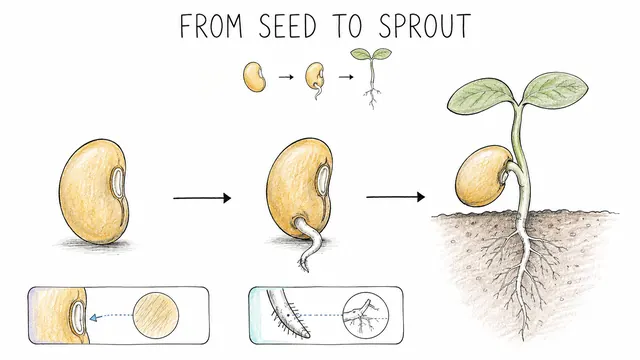
Paste a lesson plan into Doodaro, build a storyboard of drawn teaching scenes, redraw the one diagram that is wrong, and export a lesson students can rewatch.
Turn a sermon or study notes into an illustrated video
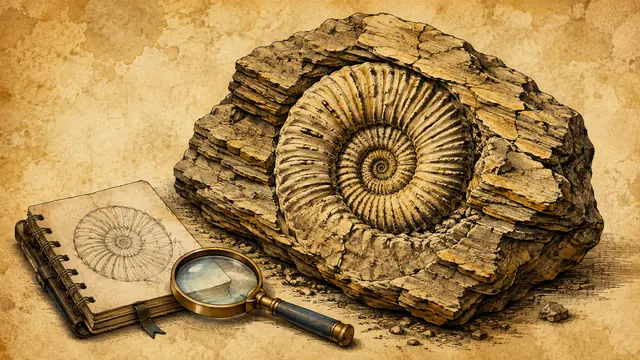
Paste sermon notes or a passage outline into Doodaro, build a storyboard of drawn scenes in Parchment Ink, redraw the one scene that misses, and export an MP4.
Turn a script into a whiteboard video in minutes
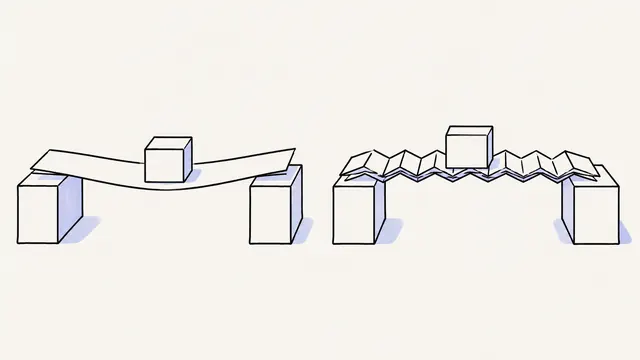
Paste a finished script, let Doodaro split it into drawn scenes with narration, fix the one scene that misses, and export an MP4 whiteboard video.
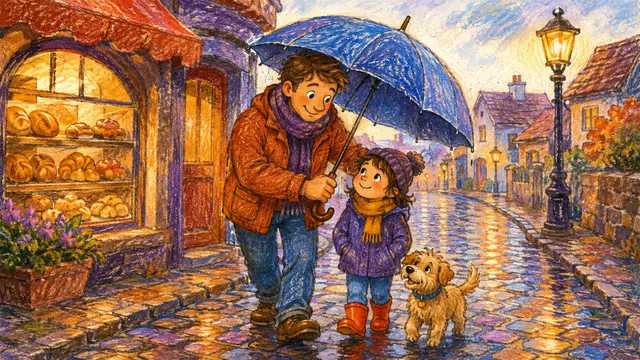
Explainer videos for kids in a crayon style
Write a 3-minute script in short sentences, build a storyboard in Crayon Stories, redraw the one scene that is too busy, and export an explainer for children.
Ready to draw your next story?
Start with 2 free minutes. No card needed. Your script becomes a storyboard you can fix one scene at a time.