
Explainer videos for kids in a crayon style
Children watch drawings differently from adults: one thing at a time, for a little longer, with the same word said twice. A good kids explainer is a short script in short sentences and a picture that shows exactly one thing per scene.
Doodaro draws each scene in a crayon or storybook style while a narrator reads your words. When a scene comes out too busy, you simplify the picture description and redraw that scene alone.
2 free minutes · No card needed
How it works
- 1
Write the script in short sentences
Paste a script of 300 to 450 words into the Story box, one idea per paragraph, sentences of 12 words or fewer. Ask a question, answer it, repeat the answer. If you start from a topic, ask the story assistant for a 3-minute script for 6-year-olds and then simplify it further.
- 2
Doodaro builds the scenes
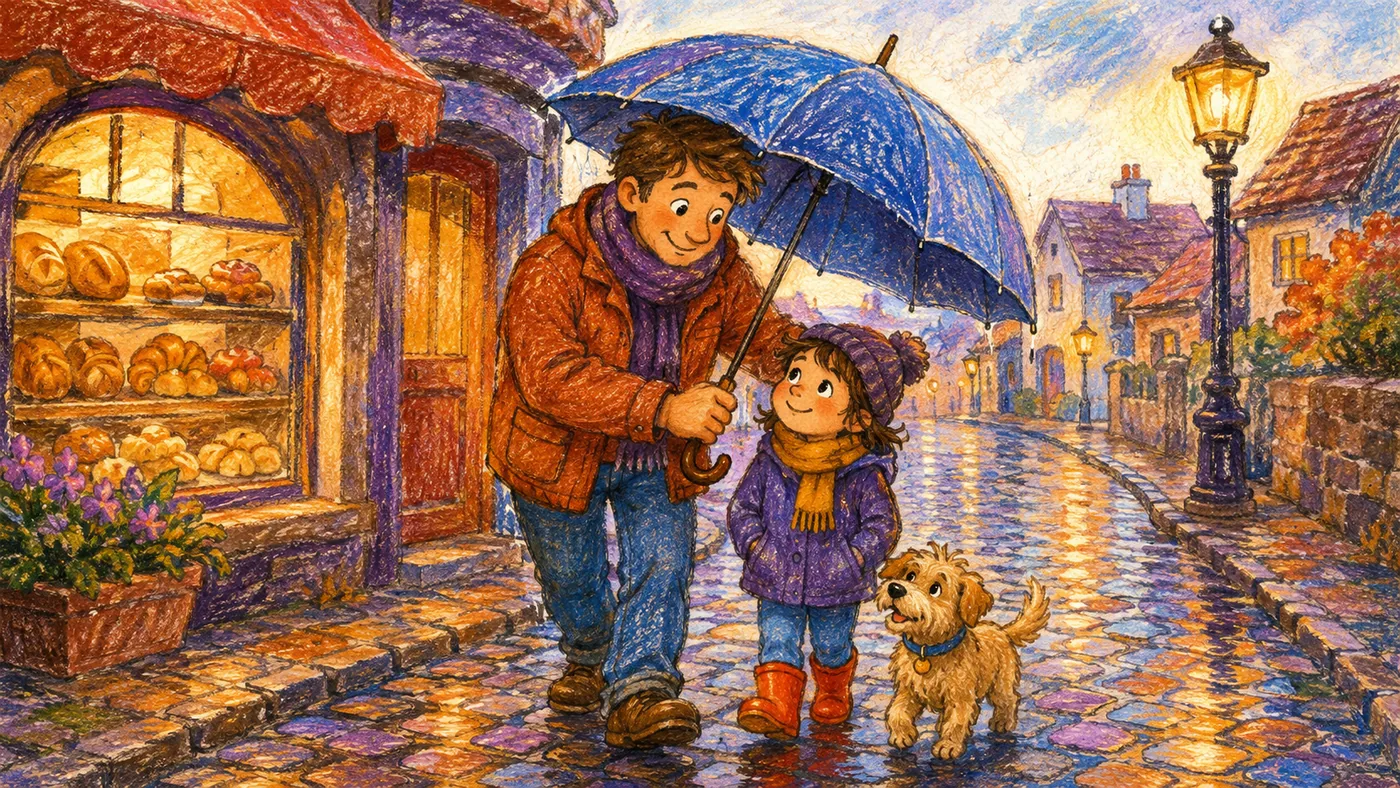
Pick Crayon Stories, thick crayon and colored pencil on warm paper, or Playful Pages for softer storybook characters. Build scenes gives each paragraph a drawn scene with narration. The picture descriptions are written from your words, so simple words give simple pictures.
- 3
Review, then export
Watch each scene as a child would, one thing at a time. If a scene has too much in it, edit the picture description to name one object and click Redraw on that scene only. Set a longer hold time so children can look, then render the MP4.
Example: why do leaves change color in the fall?
A 360-word script in nine paragraphs, sentences of 8 to 12 words, with the answer repeated at the start and the end. Build scenes produced nine scenes. Scene 5 drew a whole forest with animals when the narration was about one leaf losing its green, so the picture description was changed to 'one big maple leaf, half green and half orange, on a white background' and only that scene was redrawn. The video ran 2 minutes 45 seconds.
- Style: Crayon Stories
- Voice: friendly, bright American English narrator
- Length: 3 minutes
- Format: 16:9
Best practices
- Keep videos for children under 6 to 3 minutes or less, which is about 450 words, and videos for ages 7 to 10 to 5 minutes or 750 words.
- Use sentences of 12 words or fewer and one new word per scene. Say the new word, show it, and say it again in the next scene.
- Put one object in each picture description: 'one red apple on a table', not 'a kitchen with fruit'. Scenes of 8 to 12 seconds with one thing to look at hold a child's attention; busy scenes lose it.
- Set a hold time of 3 to 4 seconds on every scene so the finished drawing stays still long enough for a child to name what they see.
- Ask a question every 3 or 4 scenes and hold for 3 seconds before the answer, so children have time to shout it at the screen.
Frequently asked questions
How do I make educational videos for kids?
Write a short script in simple sentences, paste it into Doodaro, pick a style such as Crayon Stories and click Build scenes. Each paragraph becomes a drawn scene with a narrator. Check that each scene shows one clear thing, redraw any that are too busy, and export the MP4.
Which drawing style is best for children?
Crayon Stories for a warm, hand-colored look; Playful Pages for soft storybook characters; Clay Story Worlds for a plasticine feel; Color Chalkboard for bright chalk on black. Pick one and use it for the whole series so children recognize it.
Can I use a child-friendly voice?
Yes. The voice library has hundreds of narrators filterable by language, accent and gender. Preview any of them reading up to 250 characters of your own script, and pick the one that sounds warm and slow enough for young viewers. You can also upload your own recording per scene.
How long should a kids explainer video be?
Two to three minutes for preschool and early primary, up to five minutes for ages 7 to 10. At about 150 words per minute, that is 300 to 750 words. Shorter is almost always better.
Will the pictures be appropriate for children?
The drawings follow the picture descriptions you can read on every scene before you export. Keep descriptions simple and concrete. If a scene draws something you do not want, change the description and redraw that scene only.
Can I make the same video in Spanish or another language?
Write the script in that language and pick a narrator for it; the library covers a dozen-plus languages. Doodaro does not translate a finished video, so translate the script and build scenes again.
Related use cases
Turn a lesson plan into a whiteboard lesson video
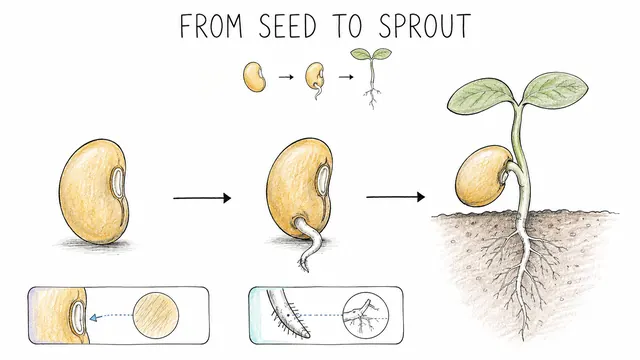
Paste a lesson plan into Doodaro, build a storyboard of drawn teaching scenes, redraw the one diagram that is wrong, and export a lesson students can rewatch.
History explainer videos in an engraved, hand-drawn style
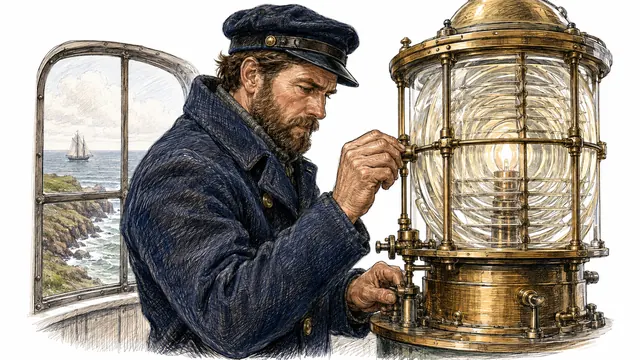
Write a 5-minute history script, build a storyboard in Heritage Sketch, redraw the one scene with the wrong century, and export an MP4 for a history channel.
Turn a script into a whiteboard video in minutes
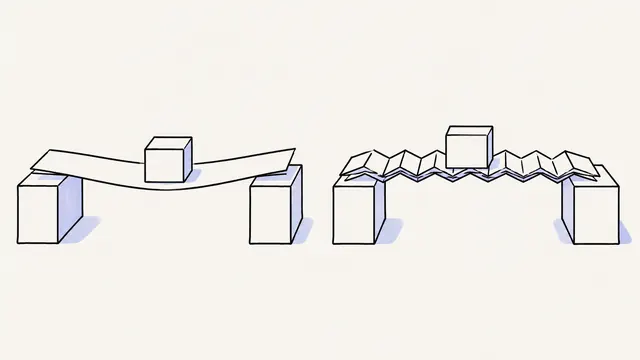
Paste a finished script, let Doodaro split it into drawn scenes with narration, fix the one scene that misses, and export an MP4 whiteboard video.
Daily devotional Shorts drawn from one verse
Write a 45-second devotional, build 4 or 5 drawn scenes in portrait 9:16, redraw the one that misses, and export a Short for YouTube, Reels or TikTok.
Ready to draw your next story?
Start with 2 free minutes. No card needed. Your script becomes a storyboard you can fix one scene at a time.