
Quote and encouragement channel videos, drawn scene by scene
Quote channels live on repetition: one look, one narrator, one new video a day. The hard part is making each video look drawn rather than like a stock photo with text on it, and doing it in minutes rather than an afternoon.
Doodaro draws the quote as lettering and the reflection as scenes, in the same style every time. If one scene draws the wrong picture, you redraw that scene and keep the rest.
2 free minutes · No card needed
How it works
- 1
Write the quote and the reflection
Paste the quote, who said it, and a reflection of 80 to 250 words into the Story box: what the quote means, one example from ordinary life, one thing to do with it. Or give the story assistant the quote and ask for a 60-second reflection.
- 2
Doodaro builds the scenes
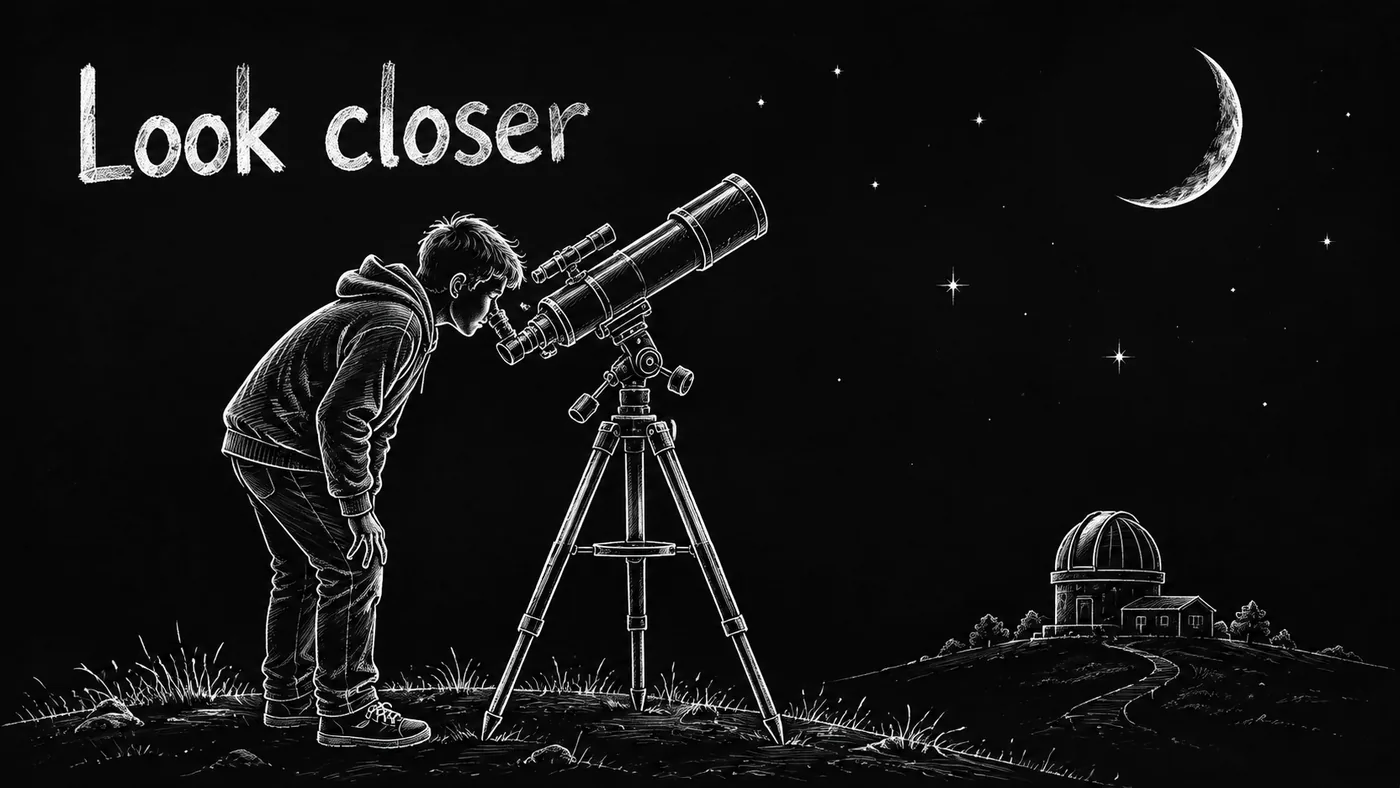
Pick Midnight Chalk, white chalk on near-black that reads well on a phone, or Midnight Sketch for finer pale lines. Build scenes gives the quote its own scene and the reflection three to six more, each with a drawn picture and narration.
- 3
Review, then export
Play the quote scene first. If the drawing shows a face you did not ask for or a symbol that does not fit, edit the picture description and click Redraw on that scene. Give the quote a 4-second hold, then render the MP4.
Example: 'The obstacle is the way' with a 90-second reflection
A 210-word script: the quote, a line on Marcus Aurelius, an example about a canceled train and the walk that replaced it, and one thing to try this week. Build scenes produced seven scenes. Scene 2 drew a modern office when the narration named a Roman emperor, so the picture description was changed to 'a bearded figure in a Roman cloak writing by candlelight' and only that scene was redrawn. The video ran 88 seconds.
- Style: Midnight Chalk
- Voice: deep, measured British English narrator
- Length: 90 seconds
- Format: 9:16
Best practices
- Keep Shorts under 60 seconds with 80 to 140 words, and longer quote videos at 90 seconds to 2 minutes with 225 to 300 words.
- Give the quote its own scene with a hold time of 4 to 5 seconds so the finished lettering stays on screen while the viewer reads it.
- Use 4 to 7 scenes of 8 to 12 seconds each. One drawing per idea in the reflection keeps the pen moving without rushing.
- Post in one format and one style for at least 30 videos before you change anything. A quote channel grows on recognition, and the style is the recognition.
- Write the quote in the picture description in quotation marks so it is drawn as lettering, and keep the rest of the description under 20 words so the words stay the focus.
Frequently asked questions
How do I make quote videos for YouTube or TikTok without showing my face?
Paste the quote and a short reflection into Doodaro, pick a style such as Midnight Chalk, and click Build scenes. Each scene is drawn stroke by stroke with a narrator reading the reflection. Redraw any scene that misses, export the MP4 and upload it. No camera, no face.
Can the quote appear as text on screen?
Yes, as drawn lettering. Put the quote in the scene's picture description in quotation marks and the engine draws it in the style you picked. Doodaro does not add burned-in captions, so the drawn lettering is how the words appear.
Which style works best for a quote channel?
Midnight Chalk or Midnight Sketch for a dark, phone-friendly look; Pottery Silhouettes for stoic and classical quotes; Editorial Ink for a newspaper feel. One style per video, and switching redraws the scenes.
Can I use the same narrator on every video?
Yes. Pick a narrator once per project and use the same one each time. You can also preview any narrator reading up to 250 characters of your own text before you choose, so test a real quote.
How many quote videos can I make on the Starter plan?
Starter includes 120 minutes of rendered exports per month. At 50 seconds per Short that is about 140 Shorts, or about 60 videos at 2 minutes each. Previews and drafts do not count.
Do I own the videos?
Yes. The videos, images and templates you make in Doodaro are yours to post and monetize.
Related use cases
Daily devotional Shorts drawn from one verse
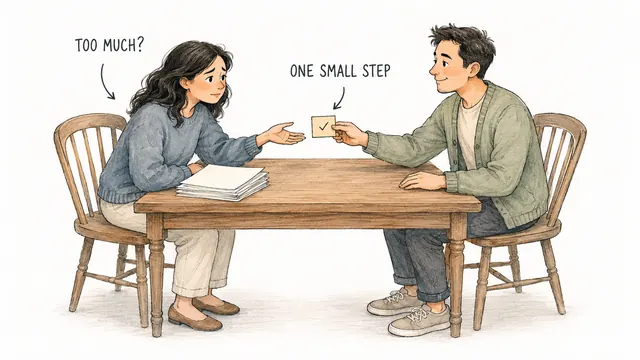
Write a 45-second devotional, build 4 or 5 drawn scenes in portrait 9:16, redraw the one that misses, and export a Short for YouTube, Reels or TikTok.

Turn a sermon or study notes into an illustrated video
Paste sermon notes or a passage outline into Doodaro, build a storyboard of drawn scenes in Parchment Ink, redraw the one scene that misses, and export an MP4.
Turn a podcast episode into an illustrated video
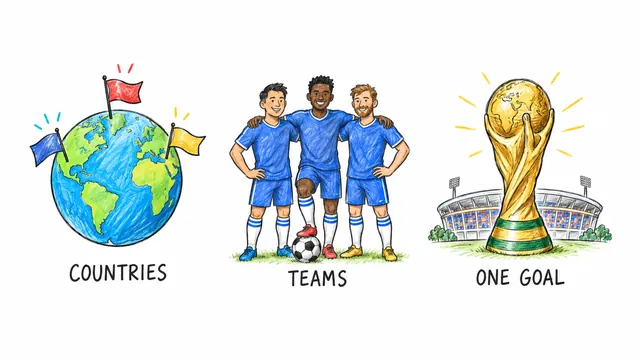
Pick the best 2 minutes of an episode, paste the transcript, upload your own audio per scene, redraw one scene and export an illustrated clip.
Personal finance explainer videos on a chalkboard
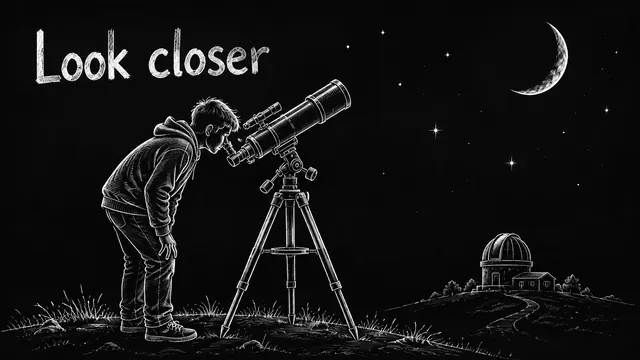
Write a 4-minute finance script with one worked example, build a storyboard in Midnight Chalk, redraw the one chart scene that misleads, and export an MP4.
Ready to draw your next story?
Start with 2 free minutes. No card needed. Your script becomes a storyboard you can fix one scene at a time.